Ever tried buying a backpack online? Not “any backpack will do,” but one that fits a laptop, survives a rainy commute and doesn’t cost half a month’s rent. You start with a search, land on page six, and somewhere around the fourth tab you forget what you were comparing.
Most of us have done this, and plenty of us ended up buying nothing. Store owners see that as a bounce in the analytics and move on. But it’s a small failure every time: the customer wanted to buy, and the store couldn’t help them get there.
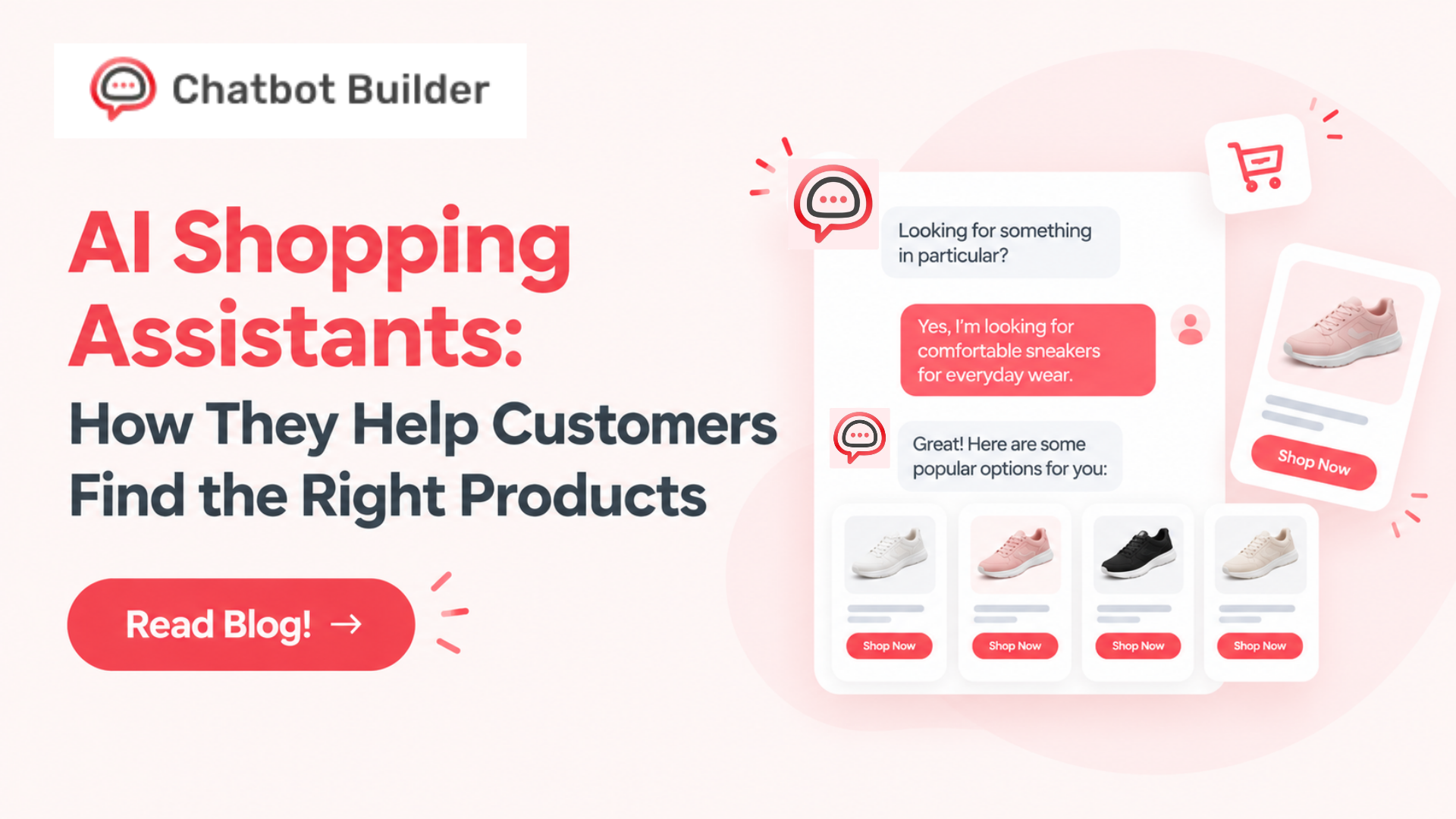
This is precisely what an AI shopping assistant is intended to do. It will reside on your website or in any messaging app, communicate with the customer as any good salesperson would, and recommend products corresponding to the customer’s conversation. Below we’ll go through how it works, where it helps, what to ask before choosing one, and how to build your own.
So, What Is an AI Shopping Assistant?
Short version: a chatbot whose whole job is helping people decide what to buy.
The longer version is about what it can handle. A basic FAQ bot copes with “what’s your return policy?” Ask it, “which of these two laptops is better for video editing if I’m on a budget?” and it falls over because that question requires product knowledge and a bit of reasoning. A shopping assistant is built for the second kind.
Old chatbots ran on scripts. Press 1 for shipping, press 2 for returns, type anything else and get “Sorry, I don’t understand.” Newer ones use language models, so they cope with typos, vague wording, and people changing their minds halfway through. Feed one your own product data, sizing charts, and policies, and it answers for your store specifically instead of guessing.
Why People Give Up Halfway
I’d argue it’s rarely about price. It’s effort.
Big catalogs are one reason. Psychologists call it choice overload, and it’s real: give people forty options, and plenty will put the decision off indefinitely.
Another is that stores and shoppers speak different languages. You organize by brand, size, and color. Your customer thinks “something for dry skin that won’t make me break out” or “a sofa that gets up a narrow staircase.” Nothing on a standard filter bar says that.
Then there are the questions product pages never answer. Is it dishwasher safe? Will it fit a 27-inch monitor? Does it arrive before Friday? Each one is a tiny excuse to leave, and live chat can’t catch them all, since humans sleep and can only type to one person at a time.
How an AI Shopping Assistant Works Behind the Chat Window
No need to be technical here. Roughly four things happen when a shopper sends a message.
First, it figures out what they want. Browsing? Comparing? Checking an order? That decides the reply, and it keeps track of context too, so a budget mentioned two messages back still counts. Second, it looks through your information (product pages, specs, prices, policies) and builds its answer from that, which is what stops it inventing nonsense. Third, it picks products that fit, sometimes factoring in stock levels or what similar shoppers bought.
The fourth thing is what separates the good ones from the irritating ones: knowing when to quit. If a chat gets complicated or the customer is clearly fed up, the bot should pass them to a human with the conversation attached. Nobody should have to explain their problem twice.
What It Actually Does for Shoppers
Honestly, a handful of simple things.
It narrows the field. “I need a laptop” becomes two sensible options after a few questions, instead of two hundred results. It lets people talk instead of tick boxes, which matters most on a phone, where typing “waterproof, light, good for travel” beats fiddling with five dropdowns. And it answers while the doubt is still fresh. A reply in five seconds wins over an email tomorrow, because by then the tab is long gone.
It also explains differences in normal language. “The first one’s lighter, the second lasts twice as long on battery” says more than a spec table ever does. Now and then it suggests something that goes with what’s already in the basket, like a memory card with a camera. That only works when it’s genuinely useful. Otherwise it’s just a pitch, and shoppers can smell a pitch.
What the Store Gets
More completed purchases, mostly. People who get help in the moment buy more often than people left to puzzle it out. Baskets can grow a little when add-ons are suggested sensibly, and returns can fall, since matching someone to the right size or spec the first time means fewer “not what I expected” parcels. Fit is a classic reason for clothing returns, so that one matters.
Support teams get a break from answering the same ten questions. The bot also works at 3 a.m., which no one on your team wants to do.
Something people overlook is the chat logs. They show what customers find confusing and which words they actually use, which is gold for rewriting product pages. And if someone isn’t ready to buy, the bot can take an email address so you can follow up later.
One warning, though. Any vendor quoting you a big percentage uplift (us included) is selling something. Your results depend on your catalog, traffic and setup, so measure your own.
Picking a Platform
These are the questions I’d ask, roughly in this order. Can someone non-technical build and edit it? If every change needs a developer, it’ll rot. Can you teach it your own catalog and policies? Can you set limits, so it doesn’t promise a discount that doesn’t exist? Does it run only on your site, or on messaging apps too? What happens when a human needs to take over? What analytics do you get? And can you try it on your real products before paying?
Ignore the length of the feature list. The best AI shopping assistant is the one your team actually launches and keeps improving.
Building One with Chatbot Builder (CBB)
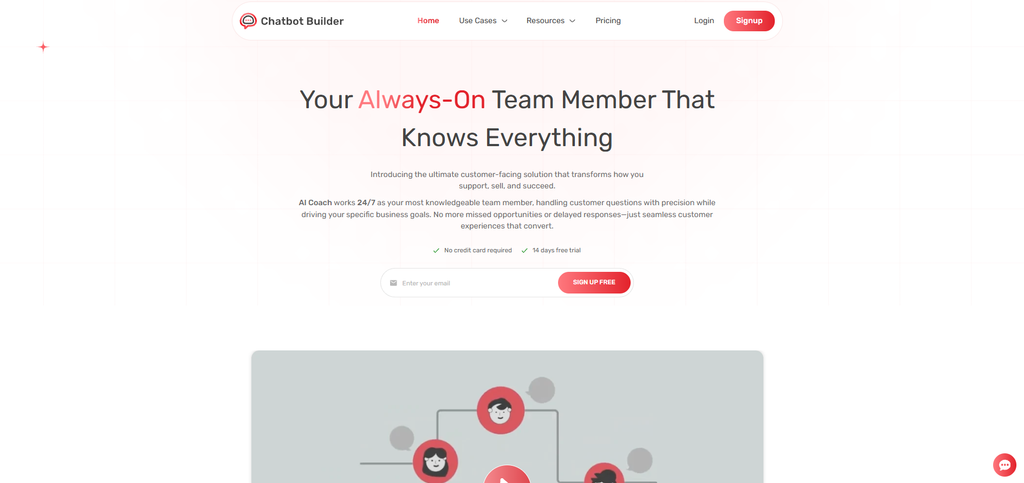
Chatbot Builder is a no-code platform. No developers, no servers to babysit. For a small team, that can be the gap between “we should do that someday” and having an AI shopping assistant running next week.
This is how you would use it for shopping. It works like a visual chatbot builder that lets you design a chat in a flowchart-like manner, with greetings, questions, product suggestions, and finally a transfer to a person. You provide all your content (product information, frequently asked questions, policies on shipping/return, size charts).
You can mix guided steps with open conversation, so a “gift finder” quiz can use buttons while everything else takes free text. It can collect names and emails mid-chat from people who aren’t buying today, and its analytics show what visitors ask and where they drop off. You can connect it to your website and other channels and tools too; the integrations list on the site is the place to check what’s current.
A Build Plan
Pick one job. Not ten. Maybe it’s helping people choose within your best-selling category, or answering pre-purchase questions about your top products.
Then gather what it needs to know: descriptions, sizing charts, policies, and the questions your support team hears every week. Throw out anything outdated or contradictory, because the quality of your data decides the quality of the assistant. Write down the three or four questions a good salesperson would ask to land on the right product, and keep them short, one at a time. Build the flow, pick a tone that sounds like your brand, and test it with real customer questions. Try the awkward ones too: misspellings, off-topic requests, an angry message or two.
Launch on one channel, read the chats every week, and fix gaps as you spot them. Your first AI shopping assistant will be a bit rough, and that’s fine. It needs to be useful, honest about what it doesn’t know, and easy to improve.
Step-by-Step: Setting Up Your Shopping Bot in CBB
Start with your first flow: Create your CBB account and open the visual builder. You’ll start from a blank flow, so this is where the planning you did earlier actually pays off.
Connect your channels: Link wherever you actually want the bot to live- your website widget, Messenger, Instagram DMs, SMS. CBB handles the technical side of each connection, so there’s no coding needed to get your bot showing up where your customers already spend their time.
Build the flow visually: This is where CBB’s drag-and-drop builder comes in. You add message blocks, buttons, quick replies, and conditional logic that routes people based on how they respond. Because it’s visual, you can literally watch your conversation map take shape as you go, matching whatever you sketched back in step three.
Set up data collection and tagging: Inside each flow, you configure fields to capture names, emails, phone numbers, and custom answers. CBB tags contacts based on how they respond, which matters more than it sounds like. It’s what lets you treat someone who clicked “Pricing” differently from someone who clicked “Support” further down the line.
Wire up your integrations: From the CBB dashboard, connect your CRM, email tool, calendar, and payment processor. No custom API code involved. You’re mapping fields and setting simple triggers, like “when someone finishes this flow, add them to this list.”
Test it inside preview mode: Before anything goes live, run through your flow using CBB’s built-in preview tools exactly the way a user would. It’s how you catch a broken link or a missing fallback before a customer does it for you.
Publish and watch the numbers: Once you’re happy with it, push it live across your connected channels. CBB’s analytics dashboard shows conversation volume, completion rates, and where people drop off.
Conclusion: Help Shoppers Find the Right Thing
People rarely leave a store because the products are bad. They leave because finding the right one takes too much effort and nobody’s around to help. The AI shopping assistant bridges the gap by listening, posing logical questions, and suggesting suitable products. At the same time, your employees have some time to focus on tasks that require a human touch.
You don’t need a developer, a big budget, or months of prep. With Chatbot Builder, you can design the assistant in a visual builder, train it on your own products and policies, and watch how real shoppers respond.
Sign up for the Chatbot Builder 14-day free trial, build your first shopping assistant, and see how much easier it gets for customers to find what they came for.
Frequently Asked Questions
What is an AI shopping assistant, and how is it different from a regular chatbot?
It’s a conversational tool built to help people discover and choose products. A regular chatbot might only answer general questions or follow a fixed script. A shopping assistant works out what the customer wants to buy, asks follow-up questions, uses your product knowledge to suggest suitable items, and guides them toward a purchase.
Will a shopping assistant replace my support team?
No. It works best next to your team. It handles the repetitive questions about products, shipping, and sizing right away, and passes tricky or sensitive conversations to a person with the chat history attached. That leaves your team time for situations that need judgment and empathy.
Do I need coding skills to build one with Chatbot Builder?
No. It’s a no-code solution with drag-and-drop functionality that helps you design conversations, add your company details, and deploy. All you need to do is describe what a good salesman would do for your client.
How long does it take to set up?
For instance, even a simple system that matches gifts or matches products in a particular category can usually be created and tested in a single day. Given 14 days of free trials, it is possible to create, test, and improve the system before finally settling on a particular plan.