


Short answer: Businesses can utilize conversational lead generation to interact with potential customers who visit their website using a chatbot. Chatbots will help businesses assess whether or not the visitor is worth pursuing. If the visitor is deemed worthy of pursuing, the chatbot will pass along that leads to the business’ sales team.
Picture this. A potential customer arrives at your pricing page at 11:47 p.m. They arrive with a clear problem, the necessary budget, and a credit card ready. However, a contact form with nine fields stands in their way. Frustrated, they close the tab.
That is a leak, and most websites have one. A lead generation chatbot is the patch, and chatbotbuilder.net lets you build one without writing a line of code.
In this guide, you will get the data, the setup steps, a copy-and-paste chat script, and the ROI math. Let’s get to it.
What Is Conversational Lead Generation?
Conversational lead generation is a method for identifying and qualifying potential customers through real-time communication with users as opposed to static forms on a website. The conversational lead generation platform interacts with a user, asks questions one at a time, and adapts to the user’s responses. After asking several questions, the platform will do one of the following: schedule an appointment with the user, collect contact information from the user, or notify a company representative about the user.
The technology is similar to an office administrator who remains active at all times, completes every scheduled task plus requires less financial investment than a full-time employee. You can use the system on websites, WhatsApp, Facebook Messenger, Instagram & SMS. Using platforms such as ChatBotBuilder.Net, you can develop an automated conversation by utilizing visual tools and connecting that information to your customer relationship management software.
Why Chatbot Lead Generation Works: The Numbers
According to some studies, vendors must be treated as directional, and you have to test in your own account.
- Conversion lift: Glassix discovered in February 2024 that AI-powered chatbots have raised conversion rates by 23% compared to those where there were no chatbots at all. Dashly’s 2025 research reports chatbots convert about 3 times better than traditional website forms (Source: Whitehat SEO roundup).
- Capture rates: According to Boei’s guide, chatbots are able to convert visitors into leads at a rate of 15-25 percent while conventional forms only achieve a conversion rate of 2-5 percent.
- Lead quality: According to Fastbots‘ research, AI Conversational Capture generated 55% more “high quality” leads when compared to form-based lead generation techniques.
- Cost: The cost of a conversation with a bot is approximately $0.50 compared to the cost of a conversation with a person, which is approximately $6.00. Support costs can decrease as much as 30%.
- User sentiment: Master of Code research found 87.2% of users rate chatbot experiences as neutral or positive.
- Market size: As per projections made by Grand View Research, the global chatbot market is estimated at 11.8 billion US dollars in 2026, which is greater than in 2025 when the estimated amount was 9.56 billion dollars.
We can see the trend emerging: shorter forms are more efficient than longer ones as cheap and instantaneous messages attract more attention than costly and slow ones.
The Speed Advantage: Why Your First 60 Minutes Decide Everything
HBR analyzed millions of leads, reaching 1.25 million leads from 29 B2C and 13 B2B companies. The companies that contacted a lead in the course of one hour are 7 times more likely to qualify it. At the same time, these companies are more than sixty times more likely to qualify it than those companies that waited 24 hours or longer.
The same research tested response habits with web-generated test leads. Only 37% of companies responded within an hour. About 23% never responded at all.
A chatbot answers in seconds. That single fact is the whole business case for chatbot sales automation. You skip the speed problem entirely.
How to Build a Lead Generation Chatbot in 7 Steps
The first step: Choose a single goal. You can choose one outcome: booked demos, quote requests, and email signups. Bots with one job win.
The second step: Choose your hot pages. Start with a pricing page, demo page, and the best blog posts. These pages hold visitors with money on their minds.
Stage 3: Create a compelling message. Use a phrase such as “Are you looking for a quote or a quick demonstration?” instead of the commonly used greeting “Hi, how can I assist you?”
Stage 4: Be sure to ask yourself some critical questions. What are their requirements for the project? When do they expect to have the project completed? What is their budget for this project? And how many people will be working on the project? Save the email or phone ask for after you give value.
Stage 5: Evaluate & Redirect. Stimulate leads based upon their budget, urgency, and suitability preferences. Hot leads should be referred to a live operator or calendar link. Warm leads should be sent through an email nurturing series.
Stage 6: Connect your tools. Push every lead to your customer relationship management system, email platform, and Slack, so that no one waits.
Stage 7: Set up and monitor weekly. Read twenty transcripts of chats every week. Fix the question where people drop off. This one habit separates good bots from great ones.
A Copy and Paste Lead Qualification Chatbot Script
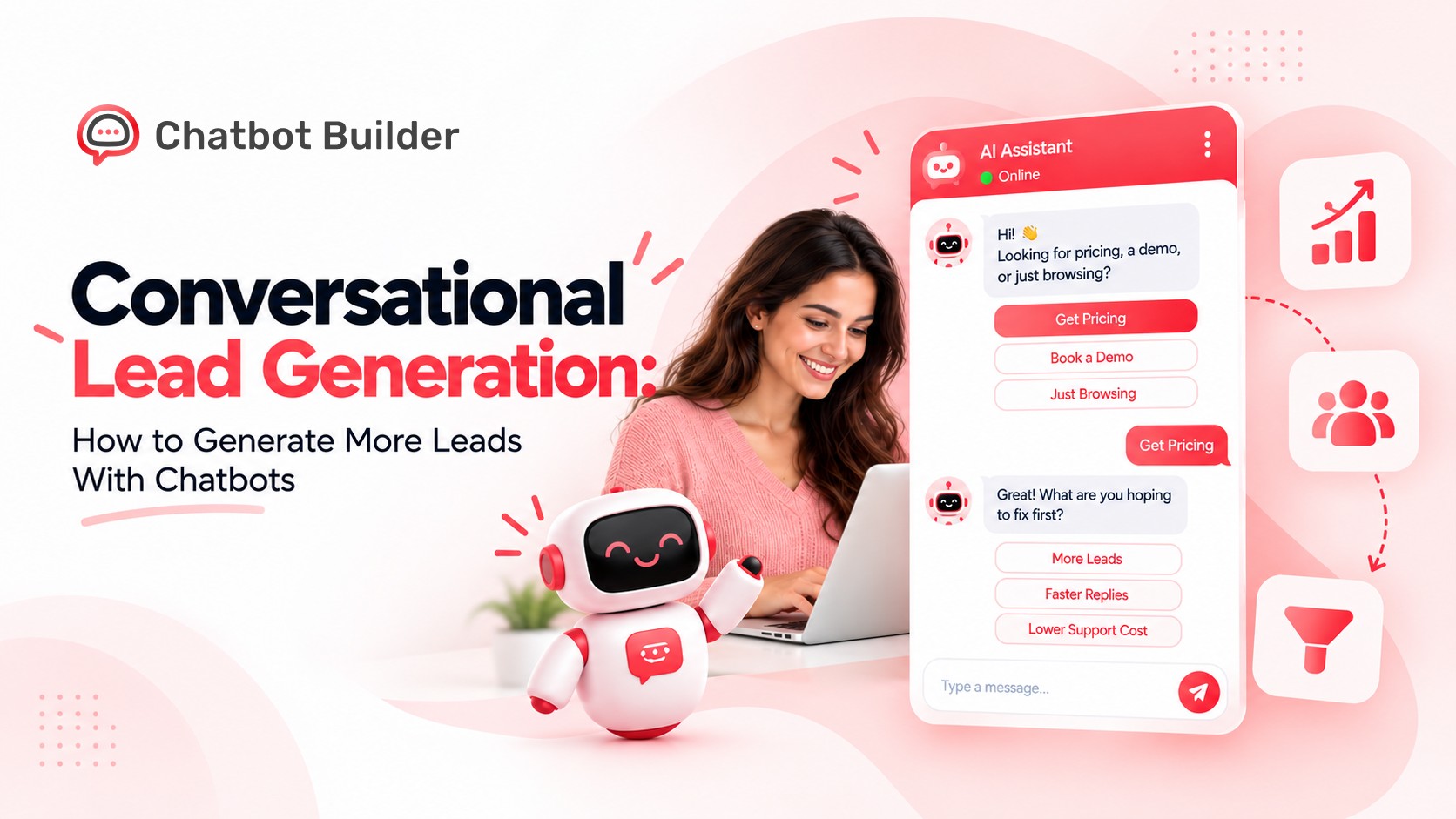
- Bot: Looking for pricing, a demo, or just browsing?
- Visitor: Pricing.
- Bot: Got it. What are you hoping to fix first: more leads, faster replies, or lower support cost?
- Visitor: More leads.
- Bot: Nice. Roughly how many visitors does your site get each month?
- Visitor: About 10,000.
- Bot: Perfect. Want a free trial link or a 15-minute call this week?
Five messages. One qualified lead. No form.
How to Build Your Lead Generation Chatbot With Chatbotbuilder.net
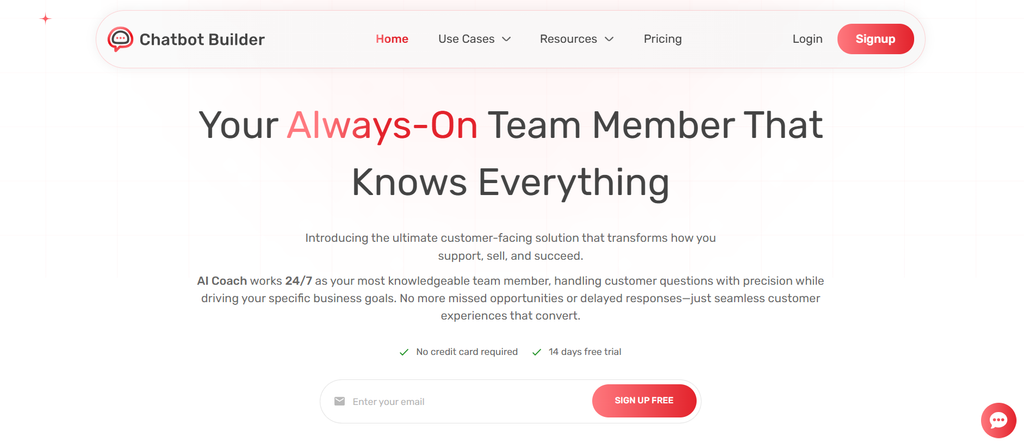
You have the strategy and the script. Now put them to work. Here is how to go from idea to live bot on chatbotbuilder.net in one afternoon.
1. Create your account. Signup for the free trial and name your first project after your main goal, like “Demo Booking Bot.”
2. Pick a template or start blank. Create your lead capture form using one of the templates available, then copy and paste the script that you previously created. Modify the text, buttons, and fast response options within the visual flow editor.
3. Add your qualifying questions. Create 3-5 steps: Problem, Timeline, Budget Range, Contact Method. Use buttons for answers, so users can select options rather than typing.
4. Set your lead scoring rules. Assign the highest point values to large budget projects with tight deadlines. Hot leads should be assigned to either an active sales representative or scheduled for a telephone call via a calendar link; warm leads should receive follow up by email.
5. Connect your tools. Link your CRM, email platform, and notification apps so every new lead lands where your team already works.
6. Choose your channels. Embed the bot on your website, then add WhatsApp, Messenger, or Instagram when you are ready to grow reach.
7. Test, publish, and track. Run through the chat yourself on desktop and mobile. Publish, then watch engagement rate, qualified leads, and cost per lead inside your dashboard.
No developer. No code. Just a chatbot that works overnight.
The ROI Math (Illustrative Example)
Say your site gets 10,000 visitors a month. Your form converts 2%, so you get 200 leads. If a chatbot converts at 3 times that rate, you get 600 leads.
Close 10% of those leads at a $500 sale. Your form earns 20 customers and $10,000. Your chatbot earns 60 customers and $30,000.
That is a $20,000 monthly gap from the same traffic. Run your own numbers, and your cost per lead and chatbot ROI become easy to track.
Where to Put Your Chatbot for the Highest Intent Leads
- Pricing and plans pages
- Demo and contact pages
- Product and service pages with long visits (try a prompt after 30 seconds)
- Cart and checkout pages for ecommerce abandonment
- WhatsApp click-to-chat ads and Facebook lead ads
Metrics to Track
Conversion System suggests aiming for a 5% to 15% visitor engagement rate and keeping human escalation under 20% (Source: Conversion System). Watch qualified lead rate, meetings booked, cost per lead, and lead-to-customer rate too. Compare each against your old form results.
5 Mistakes That Kill Chatbot Lead Generation
- Asking for email first. Answer, then ask.
- Writing long bot messages. Keep each under 20 words.
- Hiding the human option. Always offer a live agent for hot leads.
- Skipping privacy basics. Add consent and a clear data policy.
- Set and forget. Check transcripts weekly.
Conclusion: Your Next Move
Forms made sense when nothing better existed. Now your visitors expect an instant reply, and the research backs them up. Chatbots convert about 3 times better than static forms in several reports, and responding within the first hour makes a lead nearly 7 times more likely to qualify.
Here is the simple playbook. Pick one goal. Ask three to five questions. Score every lead. Route hot ones to a human fast. Read transcripts weekly and tune what you find.
Start small. Put one bot on your pricing page this week and compare it against your form after 30 days. The numbers will tell you what to do next.
Start Generating Leads With chatbotbuilder.net
Your visitors are already on your site, ready to talk. Build your first lead generation chatbot on chatbotbuilder.net, connect your CRM, and go live this week. Start your free trial and let your next lead find you at 11:47 PM.
Frequently Asked Questions
What is conversational lead generation?
Conversational lead generation uses chatbots to chat with website visitors, ask qualifying questions, capture contact details, and pass ready buyers to your sales team automatically.
How does a chatbot generate leads?
It starts a chat at the right moment, asks short questions, scores answers, collects email or phone details, and books meetings or alerts your team.
Are chatbots better than forms for lead capture?
Studies report chatbots convert about 3 times better than static forms since visitors answer one easy question at a time instead of facing a long page.
How much does a lead generation chatbot cost?
Many platforms start free or at a low monthly fee. Pricing grows with chats, channels, and features. Compare cost per qualified lead, not just the monthly price.
What questions should a lead qualification chatbot ask?
Ask about the problem they want solved, their timeline, budget range, company size, and best contact method. Keep it to three to five questions.
Which metrics show a lead generation chatbot is working?
Track engagement rate, qualified lead rate, meetings booked, human handoff rate, cost per lead, and lead to customer rate. Review them weekly and adjust scripts.