


AI Chatbot for Customer Service: Benefits, Use Cases and Real Examples
Introduction
Something changed in how much waiting people will put up with. Somewhere between the pandemic years and now, a fifteen-minute hold stopped being an inconvenience and became a reason to leave. People close the tab. They go find a competitor. Some of them post about it. Nobody signed up for that shift; it just happened.
Support teams felt it first. Teams already stretched thin started drowning. Hiring more agents worked, until it didn’t fit the budget anymore. Scripts held up fine, right up until the questions got too varied to script for. Tiered support bought time, until every tier jammed at once.
So a lot of companies turned to an AI chatbot for customer service. Not because it’s the trendy thing to do, but because the numbers actually work out. There’s a ceiling on how far you can scale a human team in a straight line. Eventually, handling a routine question exactly like a complicated one just stops making financial sense.
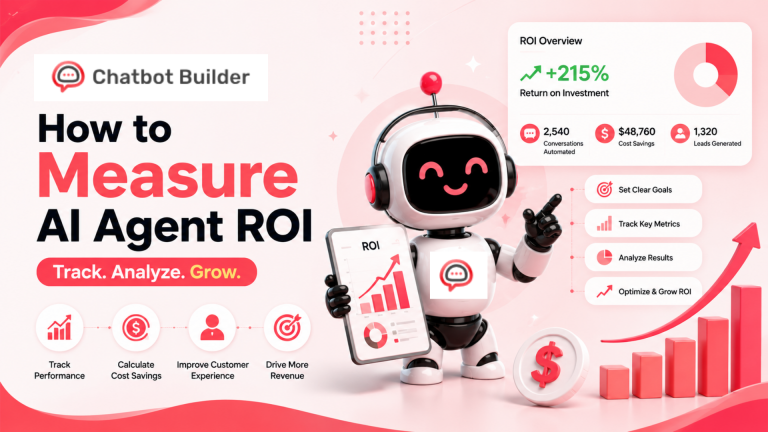
By Gartner’s estimate, 80% of customer service teams will be using or moving toward AI tools by 2025. Sobot’s numbers put AI handling somewhere between 75% and 90% of routine inquiries in banking and healthcare specifically. Juniper Research puts global savings from chatbot automation near $8 billion a year.
None of that tells you whether it makes sense for your business. That’s really the question this article is trying to get at.
What an AI Chatbot for Customer Service Actually Is
Picture “chatbot,” and most people still see that old pop-up window asking “How can I help you?” then handing over three links with nothing to do with the question. Forget that. That’s not what’s being discussed here.
A modern AI chatbot for customer service is trained directly on your content. Product pages. Return policy. FAQs. Old support tickets. It ends up understanding the specific shape of your business rather than copying some generic template. Ask it something, and it goes and finds the answer inside your own material, not a canned response somewhere in a database.
Natural language processing means it can follow what someone’s asking even when the spelling’s off or the wording is a mess. It keeps context alive through a full conversation, so it doesn’t forget what was said two or three messages earlier. And when it runs into something it genuinely cannot answer, it hands the conversation over to a real person rather than making something up or leaving the customer stuck in a loop.
The satisfaction numbers show this shift pretty clearly. Hyperleap AI’s 2025 chatbot report found that 92% of customers now describe their experience with AI chatbots as positive. A few years back, that figure was nowhere close, and this isn’t marketing spin. The tech genuinely got better.
7 Real Benefits of an AI Chatbot for Customer Service
1. It’s Working When Your Team Isn’t
Here’s the most obvious benefit, and for a lot of businesses, the most valuable one too. An AI chatbot for customer service is just as active at 3 a.m. on a Sunday as it is at 10 a.m. on a Tuesday. There’s no shift premium to pay, no scheduling gymnastics, no coverage gaps to patch.
For a business with customers spread across several time zones, that’s not a nice extra. It’s the difference between actually reaching someone and losing them to whoever answered first.
2. The Cost Savings Actually Hold Up
Research puts the cost reduction from properly deployed AI chatbots at 30 to 40%. Fastbots is more conservative, closer to 20 to 30%. Either number is real, not some projection dreamed up for a pitch deck.
The mechanism behind it is simple enough. Once the bot takes on the repetitive questions, agents deal with less of it. Fewer agents are needed per unit of volume, the agents who are still handling things resolve them faster, and training costs shrink since the bot learns from documents rather than putting a new hire through weeks of onboarding.
3. Everyone Gets the Same Answer
Human agents are inconsistent. That’s not a criticism; it’s just what happens with people. One agent reads a policy slightly differently than another. One saw last week’s update; the other missed it entirely. Across a whole team, that adds up and quietly chips away at trust.
An AI chatbot for customer service pulls from the exact same source every time, without fail. Ask the same policy question at 9am or 9pm, on a dead Monday or in the chaos of a product launch, and the answer doesn’t move. Customers stop getting contradictory information, and agents stop wasting time undoing whatever got said the week before.
4. A Volume Spike Doesn’t Have to Be a Crisis
Every support team eventually hits a wall. A promotion launches, a product ships with a bug, a carrier’s delays pile up everywhere at once, and suddenly the inbox is filling faster than any human team can clear it. Wait times stretch out. Agents start rushing. Quality drops right when customers are already on edge.
An AI chatbot for customer service doesn’t hit that wall in the same way. Ten conversations at once, or ten thousand, response time stays roughly the same either way. For any business dealing with seasonal or genuinely unpredictable demand, that kind of flexible capacity is hard to put a fair price on.
5. Customers Feel Known, Not Just Handled
Personalization here isn’t about dropping a customer’s first name into a greeting. It’s the bot already knowing this person ordered something two weeks ago, holds a premium account, and reached out once before about something similar.
Once the chatbot connects to your CRM and pulls that context into the conversation, things stop feeling like a script. McKinsey found that 76% of consumers favor brands that personalize the experience, and 78% of those same consumers spend more with those brands over time. A chatbot that actually uses that data to shape its answers is one of the more scalable ways to deliver on that.
6. The Handoff to a Human Actually Works
This is the piece most businesses underrate while setting up, and yet it’s the one customers care about most. When a conversation genuinely needs a person, the bot passes it over with the full history attached. The agent already sees what happened. Nobody’s asking the customer to repeat themselves.
Most bad memories people have of chatbots have nothing to do with disliking automation. They come from hitting a dead end, struggling to reach a real person, then having to start the whole story over once they finally did. Fix the handoff and that whole problem disappears.
7. Conversation Data Tells You Exactly Where Things Break
Every conversation an AI chatbot for customer service runs through is basically a log of what confuses customers, what your site isn’t explaining well, and where your product or process is falling short. Most businesses collect all of that and never open the file again.
The companies that actually use it end up with sharper FAQ pages, smoother onboarding, clearer product copy, and agents who walk in prepared. Not because they guessed where the friction was. Because the data spelled it out for them.
8 Use Cases That Consistently Deliver Results
1. Handling FAQs Before an Agent Ever Sees Them
Shipping timelines, refund windows, store hours, account resets, compatibility questions. These land in every business’s queue every single day, and none of them need a human brain behind them. They just need a fast, correct answer.
An AI chatbot for customer service trained on your policies handles all of this instantly, at any hour, without variation. Even a 40% deflection rate on this alone changes what your team’s workload looks like right away.
2. Order Tracking, Handled Without a Person
“Where’s my order” is often the single most common question e-commerce businesses get. There’s no judgment call involved, just a status pulled from a shipping or fulfillment system and passed along clearly.
A chatbot wired into your order management platform runs this end to end. The customer asks, the chatbot checks the status, and the answer is delivered in under a minute. Ask, check, answer, done in under a minute, no agent in the loop at all. Multiply that across hundreds of requests daily, and the freed-up capacity really adds up.
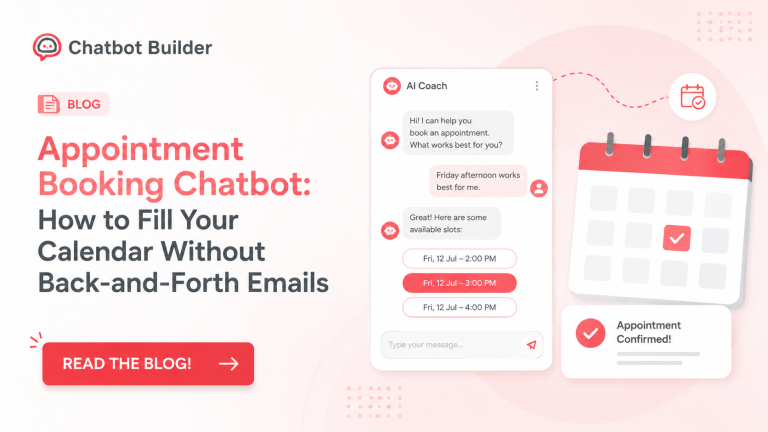
3. Booking Appointments the Way You’d Book a Table
Clinics, studios, law firms, financial advisors, whole industries run on appointments. Booking used to mean a phone call, or a booking page people had to hunt down and figure out on their own.
A chatbot wired into your order management platform runs this end to end. The customer asks, the chatbot checks the status, and the answer is delivered in under a minute, no agent in the loop at all. Multiply that across hundreds of requests daily, and the freed-up capacity really adds up.
4. Getting Customers to the Right Product Faster
Huge catalogs lose customers, and it’s rarely because the right item isn’t there. It’s that finding it takes more effort than most people are willing to spend. An AI chatbot for customer service asks a few quick questions and narrows a sprawling catalog down to something that actually fits.
That does two jobs at once. It cuts the abandonment that happens when browsing gets overwhelming, and it naturally surfaces related products in the middle of the conversation.
5. Returns, Handled Without Pulling In an Agent
Returns follow a pattern that’s easy to predict. Is this eligible? How do I ship it back? When does my refund actually land?
An AI chatbot for customer service walks a customer through every step: checking eligibility against purchase date and product type, generating the return label, explaining the refund timeline, confirming it’s all done. Customers get a fast, clear process. Agents stop losing half their day to something that never really needed a human anyway.
6. First-Line Troubleshooting
For software companies, device brands, telecom providers- anywhere technical issues pop up regularly- a chatbot can take the first diagnostic pass: standard troubleshooting steps, account status checks, spotting known issues, walking someone through a basic fix.
Once it hits something beyond its ability, it escalates with the full conversation already logged. The technical agent taking over has context immediately instead of spending the first five minutes asking things the bot already covered.
7. Reaching Out Before It Becomes a Complaint
An AI chatbot for customer service doesn’t have to sit around waiting for someone to reach out. When an order ships, a payment fails, a subscription’s about to renew, or a known outage kicks in, it can send that message first.
This is one of the more overlooked uses out there. Telecom companies that flag outages before the complaints start pouring in dodge thousands of inbound contacts. Subscription businesses that catch a failed payment before an account lapses hang onto customers who’d have quietly churned instead. Sobot’s research on proactive service backs this up over and over.
8. Catching Leads Hiding in Support Conversations
People still deciding whether to buy often land in support channels with questions that are really sales questions wearing a different hat. An AI chatbot for customer service can spot this, answer the pricing and product questions correctly, and route promising leads to sales with enough context that the next conversation actually goes somewhere.
Real Company Examples With Real Numbers
OPPO
OPPO rolled out an AI chatbot across its customer service operation and shared the results publicly: a 93% satisfaction score, ROI up 234%, agent workload down 60%, conversion up 15%, and resolution times under a minute. None of that reads like a marginal improvement. The chatbot changed how the entire support function operated at scale.
Stena Line
Sobot’s 2025 trends report shows Stena Line’s AI assistant handled 55% more customer conversations year on year. That growth happened without adding matching headcount, which is really the whole point of bringing an AI chatbot for customer service into the mix in the first place.
Unity Technologies
Unity put a customer service AI agent to work and tracked something specific and checkable: $1.3 million saved through 8,000 fewer support tickets, per Sobot. A dollar amount, a ticket count, a clear line connecting the two. That’s the kind of number that survives a board meeting.
European Consumer Tech Company
According to Sobot’s chatbot trends research, one European consumer tech subscription company automated half its inbound conversations within a week of going live. In the months after, negative social media mentions dropped 70%. That wasn’t just a volume story; it showed up in how customers actually felt.
Amazon, Sephora and H&M
Amazon handles order tracking, returns, and product recommendations through AI so smooth that most customers never even register it as a chatbot, per Callin.io’s analysis. Sephora and H&M lean on AI chatbots as product experts, trimming enormous catalogs down to whatever a shopper actually wants in that moment.
Industries Where This Works Best
- E-commerce and retail: Heavy traffic, predictable questions, seasonal spikes, and customers who expect an answer any hour. AI reports 78% of e-commerce businesses have already adopted AI chatbots.
- Healthcare: Appointment scheduling, insurance questions, refill reminders, post-visit follow-up. Sobot projects AI will manage up to 90% of routine healthcare inquiries by 2025.
- Financial services: Account queries, transaction questions, fraud alerts, application status. Sobot projects that same 90% automation rate for routine banking inquiries too.
- Telecoms: Billing, plan comparisons, outage alerts, and technical troubleshooting are all defined well enough to hand off. Proactive outage notifications alone cut down inbound volume in a big way.
- SaaS and technology: Onboarding support, feature questions, and first-line troubleshooting fit naturally here. For SaaS companies where 90-day retention drives long-term revenue, a chatbot that gets new users unstuck fast has a direct commercial payoff.
- Travel and hospitality: Booking confirmations, itinerary questions, check-in details, cancellation policies. Routine no matter the hour, brutal to staff around the clock with people alone.
How ChatbotBuilder Fits Into This
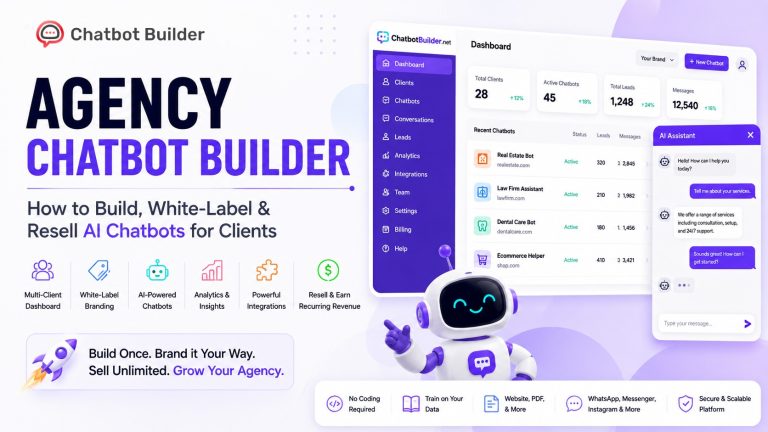
Without engineers free to build and maintain a custom chatbot, most of that technical barrier disappears once you bring in ChatbotBuilder.
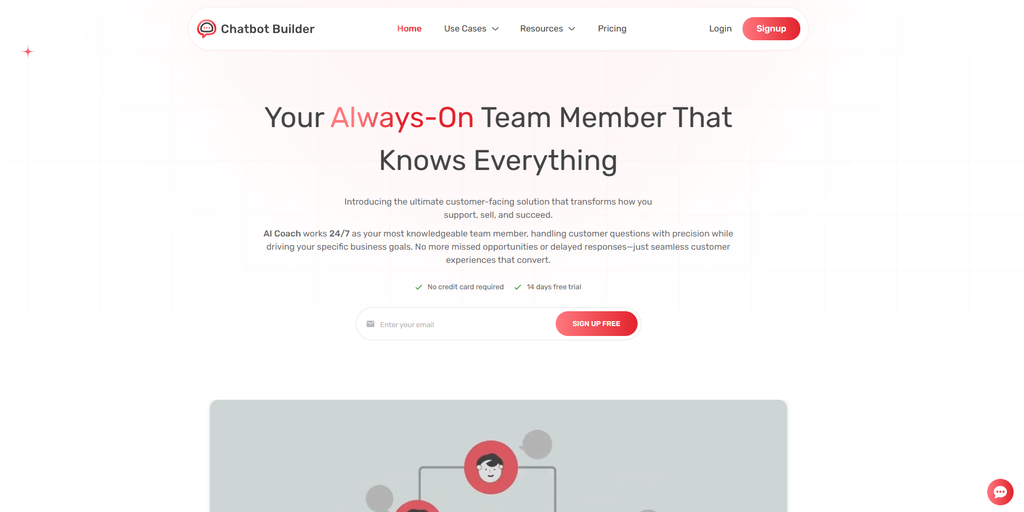
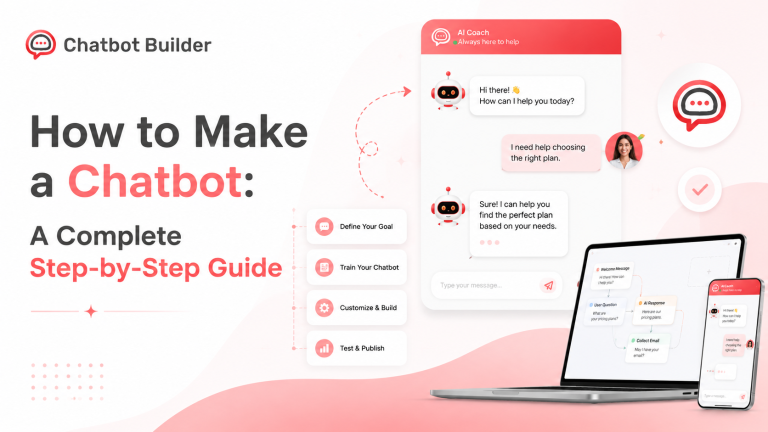
You upload your own content, documents, URLs, FAQ text, policy pages, and the bot trains on that material to answer questions specific to your business. Zero coding involved anywhere in the process. Most people have their first bot live within 30 minutes of signing up.
Channel coverage matters a lot here. ChatbotBuilder runs one trained bot across your website, WhatsApp, Instagram, Facebook Messenger, Telegram, SMS, and WordPress simultaneously. Customers get a consistent experience wherever they reach out, and you’re not stuck building a new bot for every single channel.
Conversation history and interaction data get captured automatically, giving you the records to see what the bot’s handling, where it’s escalating, and what questions keep resurfacing. Human handoff is built in from the ground up, so when a conversation needs a real person, it moves over with full context, and the customer never repeats a word.
Plans start at $25 a month, with a 14-day free trial and no card needed upfront.
What Goes Wrong When Teams Skip the Basics
- Skipping the training step: A bot that doesn’t actually know your business gives answers that don’t sound like your business. Customers notice almost instantly when a chatbot is leaning on generic content instead of your real policies.
- Treating it as a full swap for people: The businesses seeing the strongest results use the bot for what it’s genuinely suited to and keep real people around for whatever needs actual judgment. Try to automate everything, and you end up with gaps in exactly the conversations that needed the most care.
- Not watching what the bot’s actually up to: Containment rate, escalation patterns, satisfaction on bot-handled chats. Nobody tracking this means problems quietly pile up for months before anyone catches it.
- A handoff that falls apart under pressure: When a customer can’t reach a real person after genuinely needing one, the chatbot stops being useful and turns into a wall instead. Test that handoff hard before launch, not after the first complaints land.
- Setting it up once, then walking away: Products change. Policies get updated. New questions show up constantly. An AI chatbot for customer service that nailed everything at launch drifts out of date without regular content reviews. Checking in once a month usually covers it.
Conclusion
An AI chatbot for customer service really isn’t that complicated as a concept. Train it on your content, put it where your customers already spend time, give it a clean path to a human when it’s genuinely needed, and keep an eye on what it’s doing so you can improve it over time.
The companies posting 234% ROI numbers and 60% workload cuts didn’t get there with better technology than everyone else. They got there by deploying with intention, measuring carefully, and adjusting based on what customers were actually doing inside those conversations.
The gap between a deployment that thrives and one that quietly fades out is rarely about the chatbot itself. It’s about the follow-through afterward.
Start with the highest-volume, most predictable question already sitting in your support queue. Train the bot on your real content. Go live. Watch what the data shows you. An AI chatbot for customer service that genuinely serves your customers six months from now started off as an imperfect first version. Someone just kept working on it.
Sign up for the 14-day free trial and start exploring the tool.
Frequently Asked Questions
What is an AI chatbot for customer service?
A tool that holds real conversations with customers automatically, trained on your specific business content instead of some generic template. It follows natural language, keeps context through a whole conversation, and knows when it’s time to bring in a human agent.
What are the main benefits?
Availability around the clock, cost reductions of 30 to 40% per Juniper Research, consistent answers, room to absorb volume spikes, personalized interactions pulled from CRM data, and clean handoffs to agents whenever a conversation needs to be escalated.
Which industries benefit most?
E-commerce, healthcare, financial services, telecoms, SaaS, and travel all see strong results. Heavy volume, predictable questions, and round-the-clock expectations run through every one of them.
How is this different from the chatbots people remember hating?
Older bots followed rigid scripts and broke the second a customer went off-script. Modern AI chatbots follow natural language, draw from your actual business content, and improve with time. That’s exactly why Hyperleap AI now puts customer satisfaction with AI chatbots at 92%.
Can a small business afford this?
Yes. ChatbotBuilder starts at $25 a month and needs no coding to set up. Most teams are live within half an hour.
How quickly do results show up?
FAQ deflection and quicker response times show up within the first few weeks. Cost reduction trends and satisfaction gains become clear after 60 to 90 days of steady use.
What happens when the bot can’t answer something?
It passes the conversation to a human agent with the full history attached. The customer doesn’t start over, and the agent already has context from the beginning.