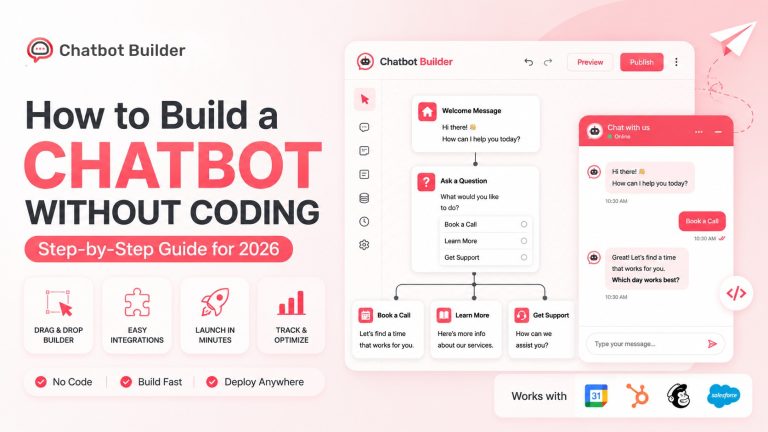



Best Chatbots for Small Business in 2026: Top Picks Compared
If you run a small business, you already know the problem. You’re doing sales, support, marketing, and probably invoicing too, and none of it stops just because it’s 9 PM on a Saturday. Customers don’t really care that you’re one person or five; they message when they message, and they expect an answer fast. That gap between “customer has a question right now” and “someone on my team is actually free” is where chatbots earn their keep, and it’s why so many owners end up searching for the best chatbots for small business use rather than trying to hire their way out of the problem.
The part that surprises people is how accessible this stuff has gotten. A few years ago, a decent chatbot meant a developer, an API key, and a couple of weeks of setup. Now you can drag a few blocks together on a Tuesday afternoon and have something live on your website by dinner. The tricky part isn’t building a bot anymore; it’s figuring out which platform is actually worth your time out of the dozens claiming to be “the one.”
That’s what this post is for. We’ll go through why chatbots matter for a small operation specifically (not a 500-person call center), what actually matters when you’re comparing tools, a rundown of the platforms worth looking at this year, and a closer look at Chatbot Builder, since it’s built with exactly this kind of business in mind.
Why Bother With a Chatbot at All
It’s tempting to write chatbots off as something for big companies with call centers to automate. In practice, small businesses often get more out of them, precisely because there’s no call center to fall back on.
Response time matters more than most owners think. There’s a reason so many customer experience studies point to speed as the single biggest factor in whether someone actually buys or just leaves. If a visitor lands on your site at midnight with a question about sizing or availability, a bot that answers in three seconds beats a “we’ll get back to you within 24 hours” form every time.
You also physically cannot be in five places at once. Website chat, Instagram DMs, your Facebook Page, maybe a text line, if you’re checking all of those manually throughout the day, something’s falling through the cracks. A bot pulls those into one place and handles the repetitive stuff (hours, pricing, “do you have this in stock”) so you’re not typing the same answer for the fortieth time this month.
There’s a lead-qualification angle too that people underrate. Instead of you personally reading every inquiry and deciding who’s worth a callback, a decent flow can ask a few questions upfront and hand you the ones that actually matter, already sorted.
And honestly, cost is a big part of it. The best chatbots for small business budgets start free or cost under $50 a month, less than a single shift of part-time staff for something that never clocks out.
Two things I’d add that get skipped in most of these lists: cart abandonment and after-hours leads. If you sell online, a shopper who has one quick question about returns and can’t get an answer will often just leave instead of emailing you and waiting. And that midnight visitor I mentioned earlier? Without a bot, they usually don’t wait until morning; they just go to the next search result. At least a chatbot gets their contact info before they disappear.
What Actually Matters When You’re Comparing Platforms
Before jumping into specific tools, it’s worth being clear on what you’re actually shopping for, because half the “best chatbot” lists online rank tools on features nobody’s small business will ever touch.
Setup has to be realistic. If you need to hire someone to configure your chatbot, you’ve defeated the purpose. Look for a visual builder and templates for the features you’ll actually use: FAQs, booking, lead capture, not a blank canvas and a manual.
Channels matter more than people expect going in. Your customers aren’t all on your website. Some are in your Instagram DMs, some text you, some use Messenger. A tool that only covers one of those is only solving part of your problem.
AI is nice but not always necessary. A basic decision-tree bot handles most FAQ-type questions fine. Where AI earns its keep is in messier conversations that don’t fit a script; that’s when you want something that can actually understand what’s being asked rather than just matching keywords.
Integrations save you from double data entry. If your chatbot can’t talk to your CRM or your email platform, you’ll end up manually copying leads over, which kind of defeats the point of automating in the first place.
Pricing should scale down, not just up. A lot of “small business” chatbots are really just enterprise tools with a cheaper entry tier bolted on. You want pricing built around your actual volume, not something that assumes you’re sending ten thousand messages a month from day one.
And you’ll want some visibility into what’s happening, where people are dropping off mid-conversation, which questions come up constantly, and how many leads are actually converting. Without that, you’re just guessing whether the thing is working.
Keep those in mind, and it gets a lot easier to sort the genuinely useful options from the ones padding out a “best chatbots for small business” listicle with tools nobody in your position would actually pick. It also makes it easier to spot when a review is really just ranking the best chatbots for small business as an afterthought to a bigger enterprise pitch.
The Best Chatbots for Small Business Right Now
Here’s how the major players stack up this year, based on how they actually perform for a small team rather than a marketing department with a dedicated budget.
Chatbot Builder (CBB)
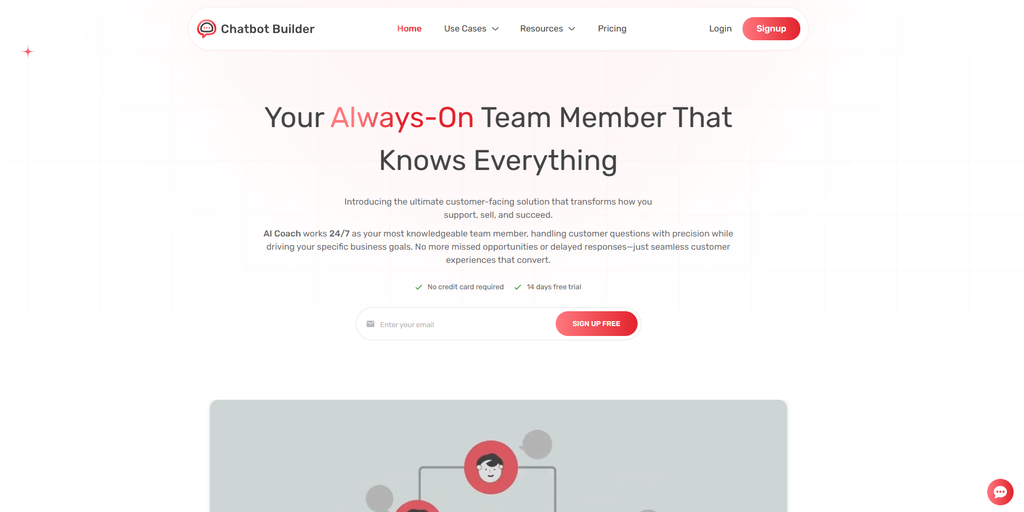
CBB was built specifically for small and mid-sized businesses, which shows in the way it’s laid out. Nothing here assumes you have an IT department. It covers Facebook Messenger, Instagram, SMS, and website chat from one dashboard, and the flow builder lets you map out a full customer journey, from first message all the way to a booked appointment or a completed sale, without any code.
It’s particularly popular with service businesses: salons, clinics, real estate agents, coaches, and others who need booking and payment handled inside the conversation instead of being bounced off to a separate app.
Strengths:
- Genuinely built for small teams, not a scaled-down enterprise tool; the learning curve is short
- One dashboard for Messenger, Instagram, SMS, and website chat, instead of four separate logins
- Drag-and-drop flow builder that non-technical owners can actually use without a tutorial marathon
- Built-in booking and payment collection, so service businesses don’t need a separate scheduling app
- Straightforward, usage-based pricing rather than an enterprise tier disguised as a “starter” plan
- 14-day free trial, so you can test it against your actual customer questions before paying anything
Weaknesses:
- Less brand recognition than legacy players like Intercom or Zendesk, so fewer third-party tutorials
- Deep, enterprise-style reporting isn’t as extensive as what Intercom offers larger teams
Tidio
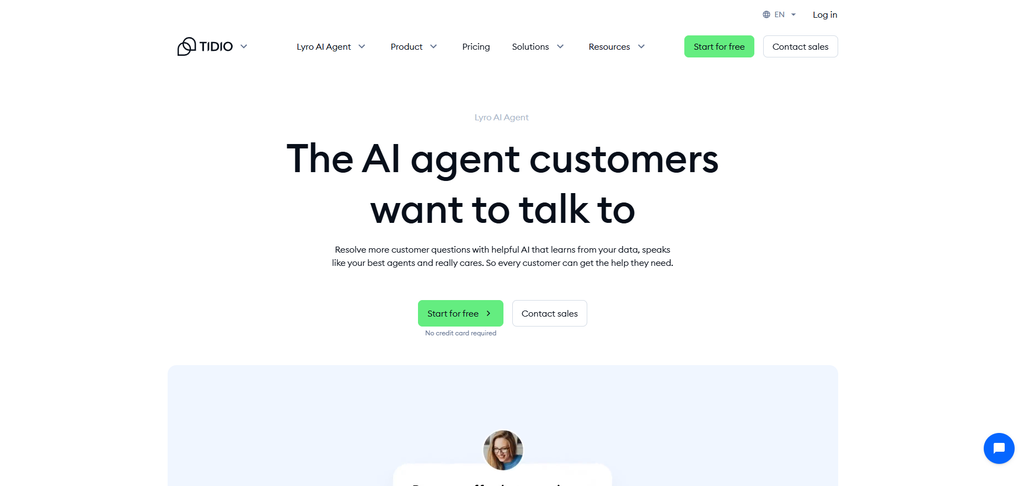
Tidio pairs live chat with AI automation, which makes it a natural fit for e-commerce stores that want a human in the loop but don’t want to staff chat around the clock.
Strengths:
- Deep, native integration with Shopify and WooCommerce
- Lyro (its AI assistant) answers product questions using your existing store content, no rebuilding required
- Ticketing system hands off complex conversations to a person without losing context
Weaknesses:
- Leans heavily toward e-commerce use cases; less natural fit for service or appointment-based businesses
- Booking and CRM features are thinner than dedicated automation platforms
ManyChat
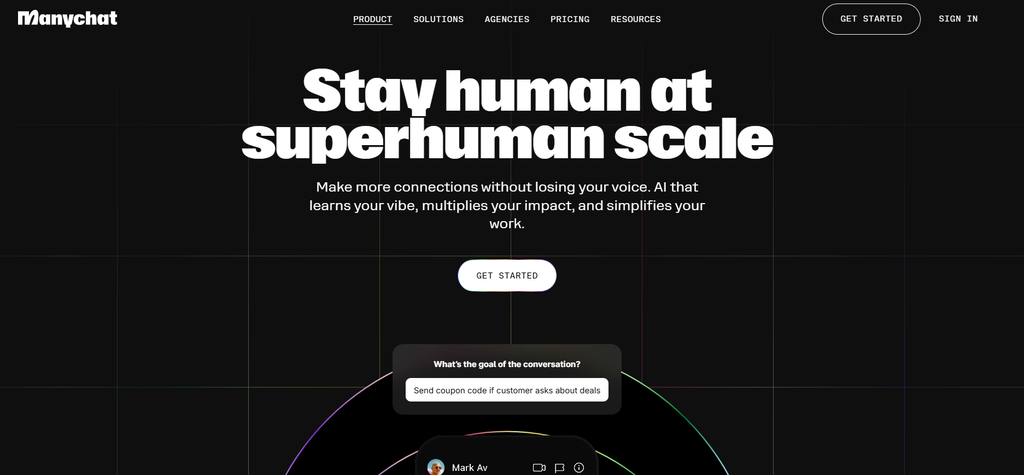
ManyChat’s has been around long enough to be the default answer for Instagram and Messenger automation, especially for businesses running giveaways or comment-to-DM campaigns.
Strengths:
- Mature, well-documented Messenger and Instagram automation
- Broadcast campaigns and audience segmentation work like an email list, but through channels people actually open
- Large community and template library from years in the market
Weaknesses:
- No native website chat channel at any price; if you need that, ManyChat isn’t it
- SMS and deeper AI automation are separate paid add-ons, not included in the base plan
Intercom (Fin AI)
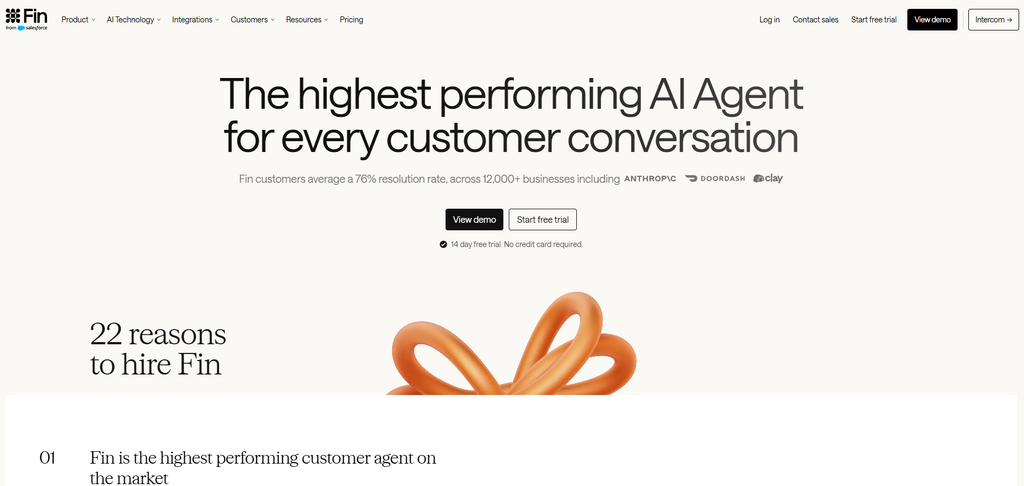
Intercom’s Fin AI is the more grown-up option on this list, built for businesses that already have some support infrastructure in place, not ones just getting started.
Strengths:
- Strong AI resolution rates on genuinely complex support questions
- Deep integrations across the wider customer-support ecosystem
- Scales well if you’re planning to grow into a larger support team
Weaknesses:
- Pricing climbs fast as conversation volume grows; not built with small budgets in mind
- Steeper setup than most small businesses want to deal with on day one
- Overkill if all you need is FAQs, booking, and basic lead capture
Drift
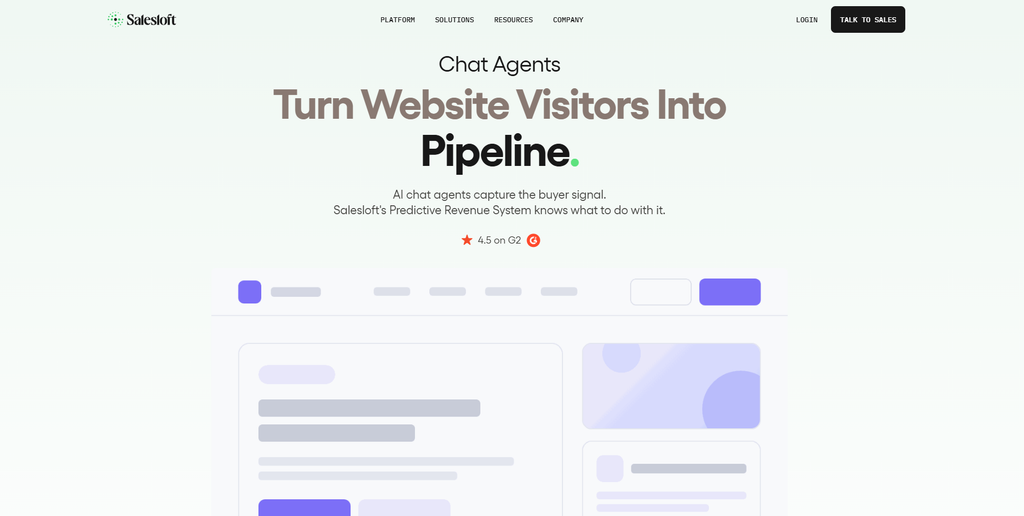
Drift is built around conversational marketing rather than support; it’s mostly a fit for B2B businesses trying to qualify leads and book meetings straight from website chat.
Strengths:
- Playbooks that trigger different conversations depending on which page a visitor is on
- Strong lead qualification and meeting-booking flow for sales-driven sites
- Solid fit for businesses with multiple products or service tiers
Weaknesses:
- Built for B2B lead gen specifically, doesn’t translate well to e-commerce or general support
- No native Instagram or SMS coverage
Zendesk AI
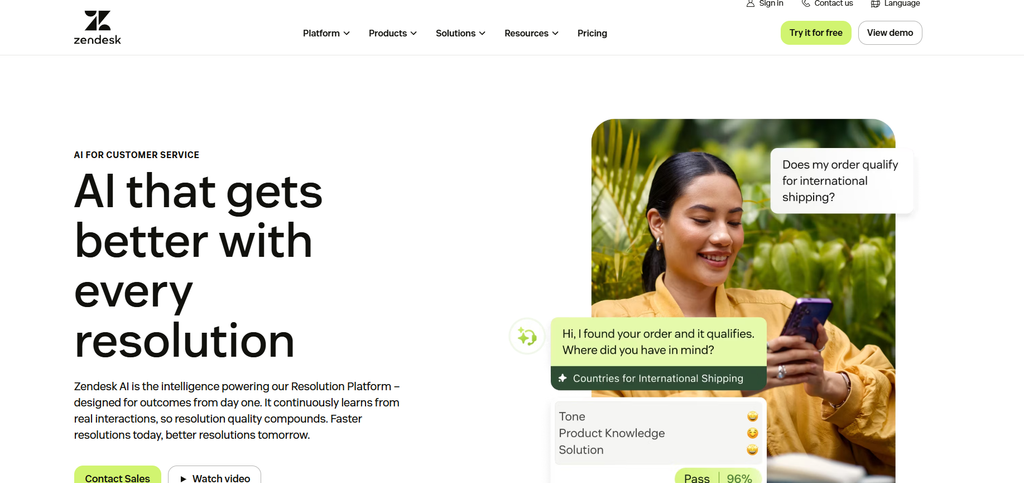
If you’re already running Zendesk for support tickets, the built-in AI chatbot is a fairly natural add-on; it pulls answers straight from your help center.
Strengths:
- Bundled into your existing Zendesk plan rather than a separate purchase
- Bot accuracy improves automatically as your help center content improves
- Solid ticket handoff for anything the bot can’t resolve
Weaknesses:
- Only as good as your help center; a thin knowledge base means a thin bot
- Not designed for social channels or appointment booking
Landbot
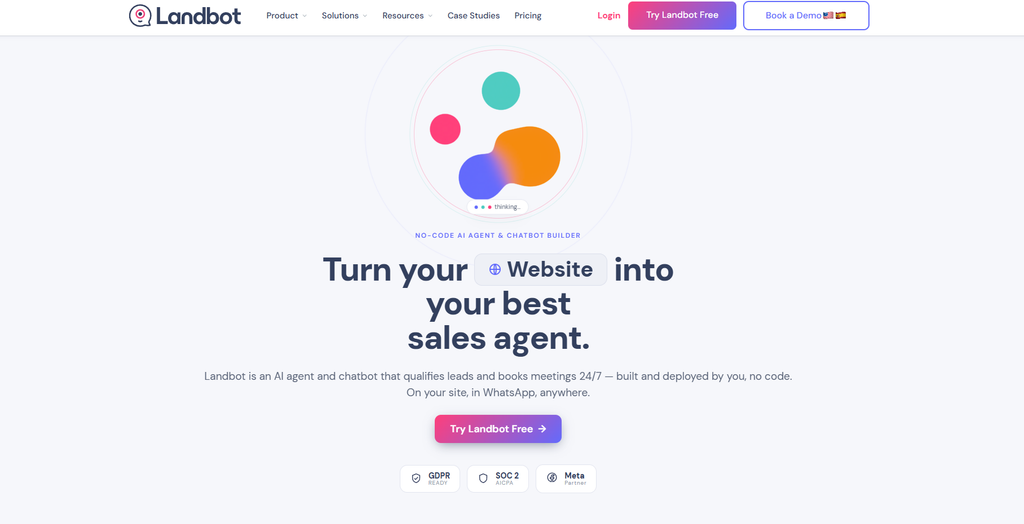
Landbot does something a little different; its bots feel more like interactive forms than chat windows, which works well for lead gen, surveys, or product-recommendation quizzes.
Strengths:
- Visual, form-like conversation style that converts well on landing pages
- Native website and Messenger support, with a genuinely good block-based editor
- Good fit for surveys and structured lead-qualification flows
Weaknesses:
- Less suited to ongoing customer support than lead capture
- WhatsApp coverage is there, but Messenger and Instagram support lag behind competitors
- Can feel more like a form builder than a true conversational bot
Chatfuel
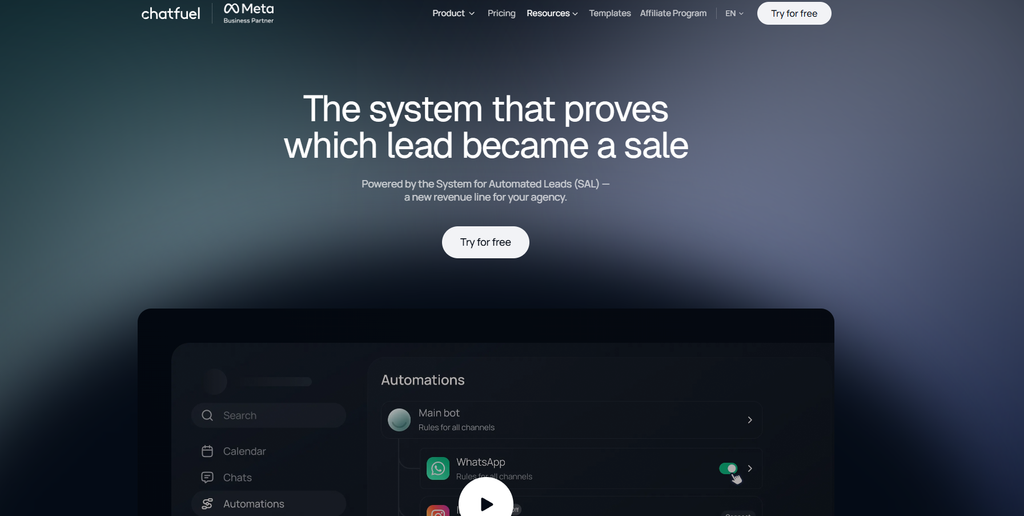
Chatfuel is in the same lane as ManyChat, heavy on Messenger and Instagram, with a no-code builder, and it leans on AI-generated responses trained on your own content.
Strengths:
- AI responses trained on your content cut down on manual flow-building
- Solid no-code builder for Messenger- and Instagram-first businesses
- Good fit for social commerce sellers who live in DMs
Weaknesses:
- Narrower channel coverage than platforms built for omnichannel from the start
- Fewer booking and payment features than service-business-focused tools
- Smaller ecosystem and community than ManyChat’s
Where They Stack Up
| Platform | Best for | Channels |
| ChatBot Builder (CBB) | All-around small business automation | Website, Messenger, Instagram, SMS |
| Tidio | E-commerce support | Website, email, social |
| ManyChat | Social media marketing | Messenger, Instagram, WhatsApp |
| Intercom (Fin AI) | Established support teams | Website, email, in-app |
| Drift | Large B2B sales teams | Website |
| Zendesk AI | Existing Zendesk users | Website, email |
| Landbot | Interactive lead capture | Website, Messenger, WhatsApp (paid tier) |
| Chatfuel | Social commerce | Messenger, Instagram, WhatsApp |
None of these is the universally “correct” answer; it really does depend on your channels, your budget, and how much patience you have for setup. But when small business owners ask which single option covers the broadest set of needs without a steep learning curve, Chatbot Builder is usually the one that comes up first.
Getting Into Chatbot Builder a Bit More
Since CBB’s built around exactly this use case, it’s worth spending more time on than a two-line entry in a list.
One inbox, not five apps. Instead of bouncing between Facebook, Instagram, SMS, and your website chat widget separately, everything lands in one inbox. Even as a solo operator, you can respond, tag conversations, and keep track of leads without fifteen browser tabs open.
The flow builder is genuinely drag-and-drop. You can lay out a booking sequence, a quick product quiz, or an FAQ flow in an afternoon and then tweak it once you see what customers are actually asking, which, realistically, will not match what you guessed beforehand.
There’s a CRM and broadcast feature built in. Beyond just answering questions, you can tag contacts, split your audience into segments, and send out campaigns, basically the SMS/Messenger equivalent of an email newsletter, sent through channels people actually check.
Booking and payments are handled inside the chat. For anything service-based- salons, clinics, contractors, consultants- CBB can check availability, confirm the appointment, send reminders, and even take a deposit, all without the customer leaving the conversation.
Pricing is built around what you’ll actually use- contacts and features- instead of forcing you onto an enterprise plan before you’ve even tried the thing.
For a business that wants one tool covering marketing, support, and booking instead of three separate subscriptions that don’t talk to each other, CBB is a strong contender among the best chatbots for small business owners who’d rather consolidate than add yet another app to the stack.
Common Mistakes People Make Setting These Up
Even with a good platform, it’s easy to build a bot that does more harm than good.
Trying to automate everything on day one is the big one. Start with your three or four most-asked questions and expand from there. A bot that tries to handle every possible scenario right out of the gate usually ends up confusing and unmaintainable within a month.
No clear way to reach a human is another common gap. Even a well-built bot will hit questions it can’t answer. Make sure there’s always an obvious “talk to a real person” option instead of trapping people in a loop.
Ignoring the analytics is easy to do and costly. Most platforms show exactly where people drop off and what they’re asking most. Check it out. Businesses that actually look at this data keep improving; the ones that set it up once and forget about it tend to watch engagement quietly decline.
Sounding either too robotic or trying way too hard to sound human are both problems. Customers generally don’t mind talking to a bot; they mind a bot that’s confusing or one that’s pretending not to be a bot. Aim for clear and upfront, with an easy exit to a person.
Skipping testing before launch bites more people than you’d think. Walk through your own flow before customers do, or better, get a coworker or a friend to try to break it. Small wording issues and missing branches are much cheaper to catch before real customers hit them.
A Few Trends Worth Knowing About
The space keeps shifting, and a couple of things are relevant if you’re picking a platform this year rather than three years ago.
AI-assisted responses have gone from a premium add-on to just… standard. Most competitive platforms, CBB included, now build some level of natural-language response into their core plans instead of charging extra for it.
Voice and chat are starting to blend together, mostly for appointment-heavy businesses that get a lot of phone calls. It’s not everywhere yet, but worth a look if your business leans on phone bookings more than online ones.
Bots are turning into full sales-and-support hubs rather than just FAQ machines, handling bookings, payments, order tracking, even follow-ups after a purchase, which cuts down on how many separate tools you need running at once.
Personalization has gotten noticeably better too. Bots referencing a customer’s past order or an earlier conversation feel less like filling out a form and more like talking to someone who actually knows your business, because, functionally, it does.
And data privacy is getting more scrutiny as bots handle more sensitive information, payment details, health info, and personal contacts. Worth checking how a platform actually stores that stuff before you commit, not after.
Wrapping Up
Chatbots have gone from a nice-to-have to something small businesses actually lean on to keep up without adding headcount. Whether your priority is social media automation, e-commerce support, or getting appointments booked without playing phone tag, there’s a platform on this list built for it. Among the best chatbots for small business owners this year, Chatbot Builder stands out for pulling multichannel messaging, a visual builder, CRM features, and booking tools into one place instead of five.
If you’d rather test it than take my word for it, Chatbot Builder offers a 14-day free trial, no long-term contract, no catch. It’s a fast way to build your first flow, connect the channels you actually use, and see real conversations happening within a day.
Sign up for the free trial and see for yourself how much time a decently built bot can hand back to you.
Frequently Asked Questions
Out of all the best chatbots for small business owners, which one is easiest for a beginner?
For most businesses starting from zero, something with strong templates and a visual builder — Chatbot Builder (CBB) being a good example- is the easiest way in, since there’s no coding involved and you can have it running within an hour.
How much do small business chatbots usually cost?
It ranges widely, from free tiers with limited conversations up to $50–$300 a month once you’re handling real volume. Most platforms, CBB included, offer a free trial so you can test the thing before paying anything.
Do I actually need AI, or is a basic flow-based bot enough?
Depends on the use case. Simple decision trees handle FAQs, bookings, and lead capture just fine. AI earns its keep once your customer questions get more open-ended or don’t fit a predictable script.
Can a chatbot actually handle bookings and take payment?
Yes, platforms like Chatbot Builder support the whole flow: checking availability, sending reminders, and collecting a deposit or full payment right inside the chat.
Which channels should my chatbot actually cover?
Wherever your customers already are. A heavy social media presence means prioritizing Messenger and Instagram. Mostly website traffic means making sure website chat and lead capture are solid before anything else.