


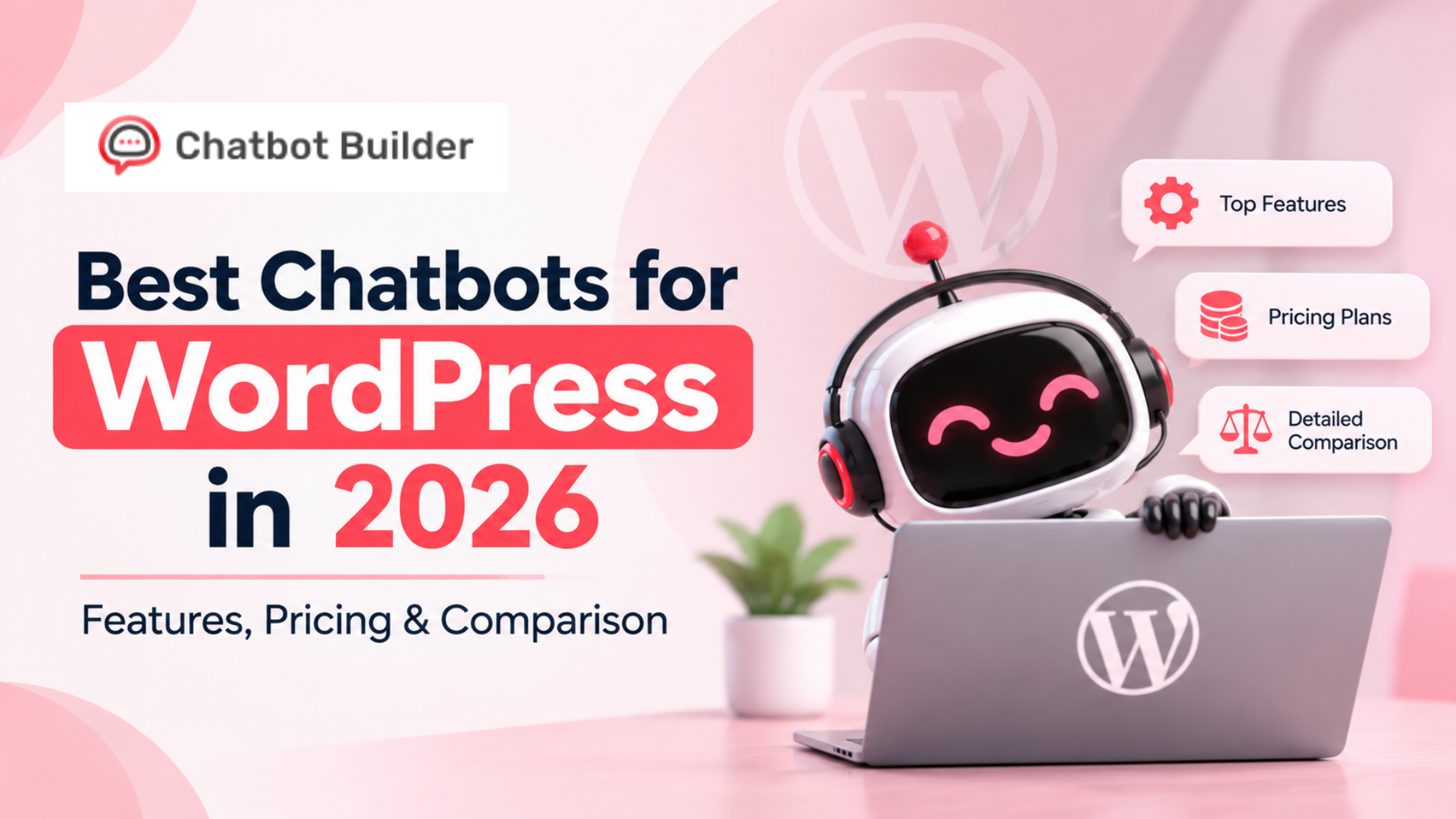
Best Chatbots for WordPress in 2026: Features, Pricing & Comparison
Choosing a WordPress Chatbot Without Wasting Money
WordPress runs roughly four in ten websites, so the chatbot options are endless and most of them sound the same. Answer visitors around the clock, capture more leads, done. What the sales pages skip is how each tool charges, and that is what decides whether your bill stays sensible once real traffic arrives.
This guide covers the best chatbots for WordPress in 2026. For each tool, you get features, pros, cons, and pricing, taken from vendor pricing pages wherever I could reach them. Plans change often, so treat the numbers as a late 2026 snapshot and glance at the live page before you pay.
The Best Chatbots for WordPress at a Glance
Prices are per month unless marked, and “yearly” means billed annually.
| Tool | Free option | Paid from | AI answers | Best for |
| ChatbotBuilder | 14-day trial | $25 | Trained on your content | Small teams, AI-first |
| Tidio | 50 conversations a month | $24.17 | Lyro add-on from $32.50 | Stores wanting chat plus bot |
| HubSpot | Free tools | Per seat, varies | Basic bots free, AI agent higher up | Sites already on HubSpot |
| Crisp | Free, 2 seats | $45 per workspace | Hugo AI, credit-based | Shared team inbox |
| tawk.to | Free with branding | Custom pricing | AI Assist add-on | Tight budgets |
| WPBot | Free version | $39 per year | Your own AI key | DIY site owners |
| AI Engine | Free version | $59 per year | Your own AI key | Developers |
The Best Chatbots for WordPress, Reviewed in Detail
1. ChatbotBuilder: Best for an AI Bot Trained on Your Own Content
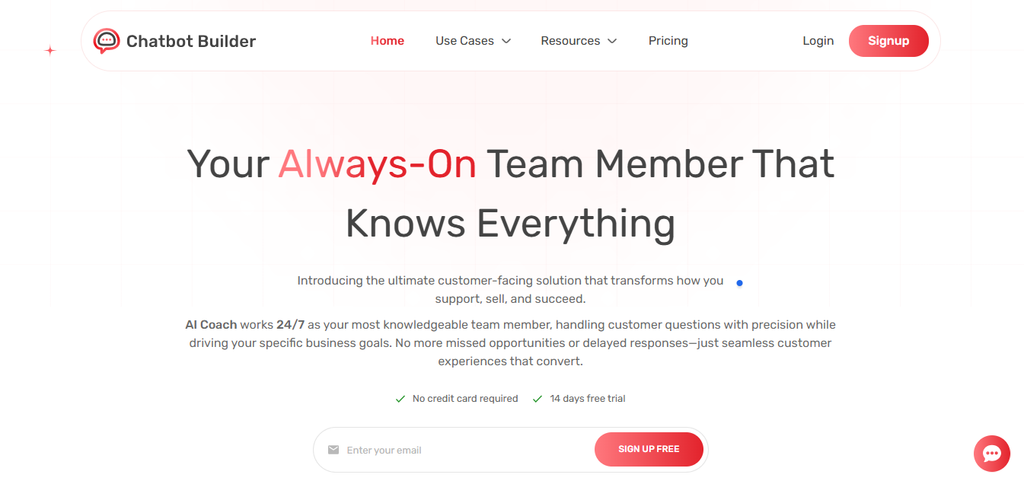
ChatbotBuilder skips the pile of settings. You give it your documents, links, and FAQs; it learns from them, and its WordPress plugin puts the bot on your site. It’s one of the best chatbots for WordPress if you want AI answers without a developer.
Key features
- Plugin installs from your WordPress admin
- Learns from files, links, and FAQs, and can pick up pages, posts, and WooCommerce products
- Choose OpenAI, Claude, Gemini, or Grok models, or bring your own API key
- Lead capture, conversation history, Zapier, and human handoff
- Works with Elementor, Divi, Contact Form 7, Gravity Forms, WPForms, WPML, Polylang, and multisite
- Also runs on WhatsApp, Instagram, Messenger, Telegram, and SMS
Pros
- A flat, easy-to-read monthly price
- Quick to get a first bot live, with no coding
- One bot can cover several channels
Cons
- Usage is metered in credits, so a busy site can outgrow Basic
- Branding stays until you reach Professional
- Fewer independent reviews than the long-established names
Pricing
- Basic: $25 a month for 1 agent, 1 team member, and 2,500 credits
- Professional: $95 a month for 4 agents, 3 team members, 9,500 credits, and branding removal
- Enterprise: custom
- 14-day free trial, no card needed
2. Tidio: Best for Stores That Want Chat and a Bot in One Inbox
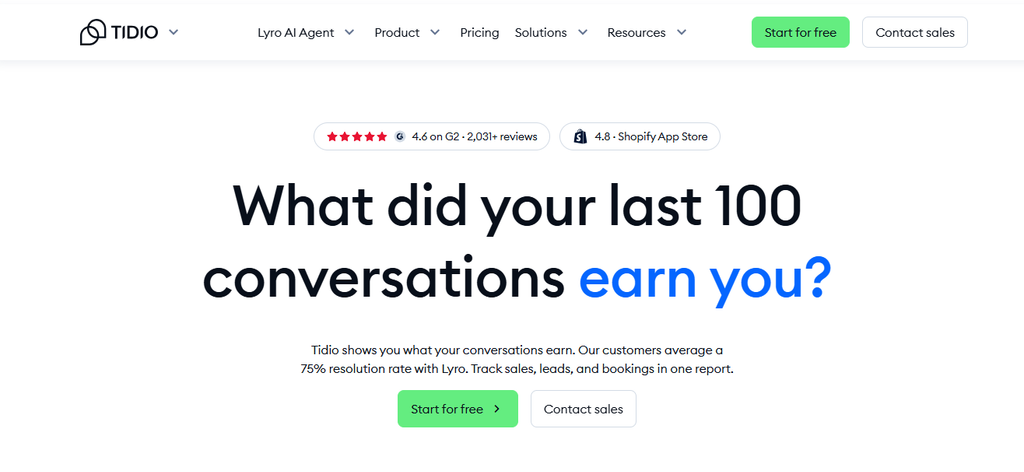
Tidio shows up in a lot of WooCommerce shops for a reason. Live chat, a visual bot builder, and an AI agent called Lyro all share one inbox, and the free plan lets you test before spending anything.
Key features
- Live chat with a WordPress plugin
- Flows, a visual builder for chatbot conversations
- Lyro, an AI agent that answers from your content
- Messenger, Instagram, WhatsApp, and email in the same inbox
Pros
- A free plan that’s usable for testing
- Builder is friendly for non-technical people
- Everything in one dashboard
Cons
- Billed by conversation, so a busy month can burn through your allowance
- Lyro and Flows are paid add-ons on top of the plan
- Branding removal costs extra
Pricing
- Starter: $24.17 (month-to-month), 100 billable conversations
- Growth: from $49.17 a month yearly, starting at 250 billable conversations
- Plus: $300 with custom billable conversations
3. HubSpot: Best If Your Contacts Already Live in HubSpot
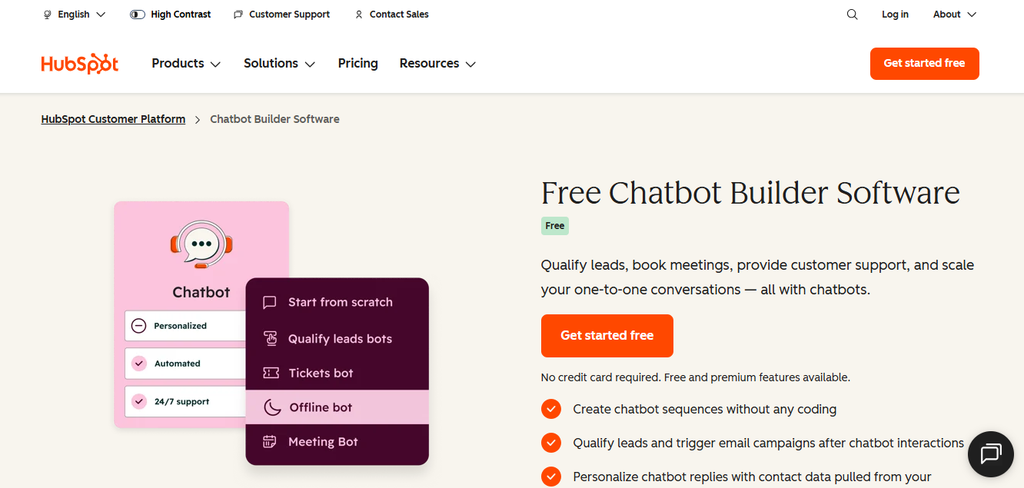
If your customer data is already in HubSpot, its chat is the path of least resistance. Every conversation ties back to a CRM record, which saves a lot of copy-pasting.
Key features
- Live chat widget through HubSpot’s WordPress plugin
- Chatflows, a rule-based builder for qualifying leads, booking meetings, and creating tickets
- Shared inbox and ticketing
- AI customer agent on higher tiers
Pros
- The free tools are properly usable
- Chat history sits next to each contact
- Familiar, well-supported platform
Cons
- The free widget shows HubSpot branding
- Costs climb quickly with seats and tiers
- The strongest AI features sit at the top of the price ladder
Pricing
- Free tools: $0
- Starter:₹585/mo/seat
- Professional: ₹66,697/mo includes 3 core seats
- Enterprise: ₹300,000/mo includes 5 core seats
4. Crisp: Best for a Tidy Shared Inbox
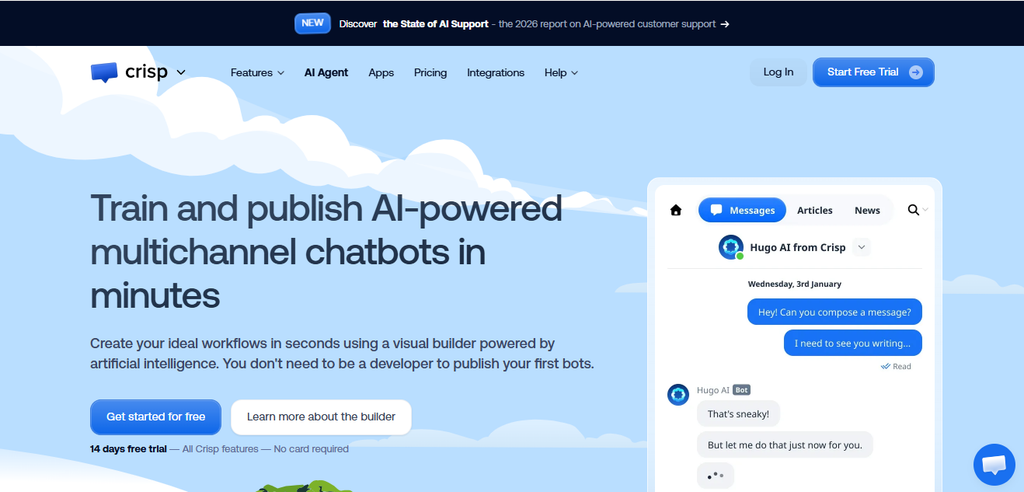
Crisp feels like the neat one. Chat, email, and social messages land in one inbox, which suits small teams that are tired of switching tabs.
Key features
- Shared inbox with a WordPress plugin
- Chatbot scenarios and a knowledge base
- Hugo, its AI agent, plus MagicReply for drafting answers
- Extra channels such as WhatsApp on higher plans
Pros
- Clean, modern interface
- Priced per workspace, not per agent
- Free plan for 2 seats
Cons
- AI runs on credits, so heavy use costs more
- Some automation is held back for higher tiers
- Plans were restructured recently, so older reviews can mislead
Pricing
- Free: $0 for 2 seats
- Mini: $45 a month per workspace (4 seats)
- Essentials: $95 a month (10 seats)
- Plus: $295 a month (20+ seats), after a price rise in early 2026
- Paid plans include a small monthly AI credit allowance, and extra seats cost extra
5. tawk.to: Best Free Live Chat
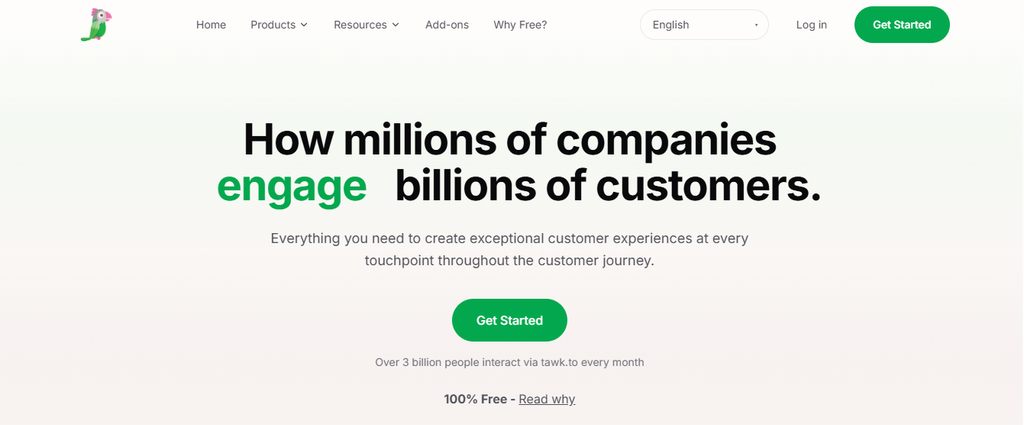
tawk.to is the budget favorite, and among the best chatbots for WordPress, it’s the one you can run for nothing. The catch is that you’re mostly getting live chat, not a deep bot.
Key features
- Free live chat with unlimited agents
- Ticketing, knowledge base, and mobile apps
- AI Assist add-on for automated answers
- Official WordPress plugin
Pros
- Costs nothing to start
- No limit on agents or chat history
- Setup takes minutes
Cons
- Their branding shows on the free widget
- The AI side is an extra purchase
- The bot features are thinner than the AI-first tools
Pricing
- You can simply reach out to their customer support for a custom request.
6. WPBot: Best for a Cheap, Self-Managed Setup
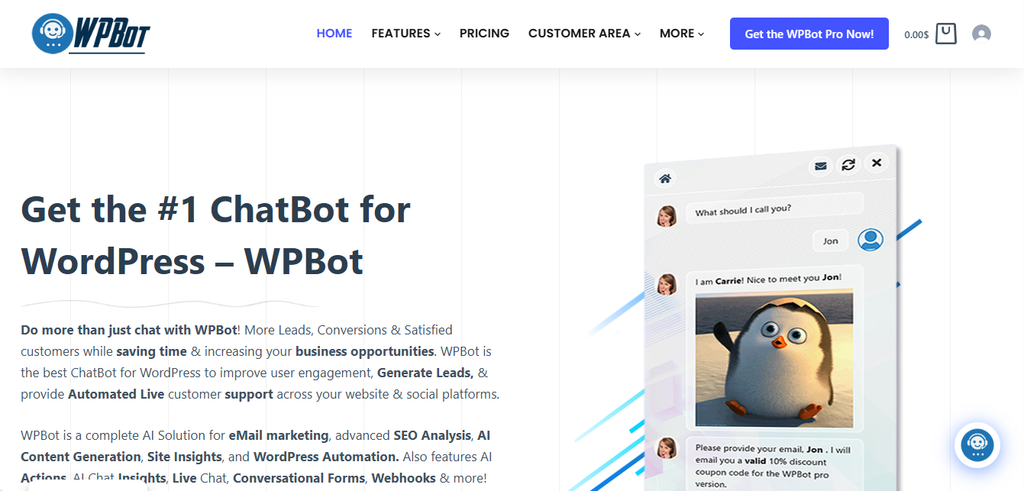
WPBot runs inside WordPress itself, and chat sessions are stored in your own database. It’s the DIY pick for people who like owning their setup.
Key features
- Free plugin with paid Pro modules
- FAQ, site search, and simple text replies that cost nothing per answer
- AI answers through your own OpenAI, Gemini, or OpenRouter key
- Live chat handoff from the WordPress dashboard or Slack on the top license
- WooCommerce support through an add-on
Pros
- Lowest entry price on this list
- Your chat data stays on your own site
- No per-conversation fee from WPBot
Cons
- More setup work than a hosted tool
- AI usage is billed separately by your provider
- The tier structure takes a minute to untangle
Pricing
- Free version available
- Starter: $39 a year; Professional: $99 a year; Master: $189 a year
7. AI Engine: Best for Developers and Tinkerers
AI Engine, from Meow Apps, is the plugin people recommend when you want control. It’s flexible and works with many AI providers, but it’s more of a project than a product.
Key features
- Chatbots, forms, and content tools in one plugin
- Knowledge built from your own content
- Works with several AI providers using your own key
- Add-ons for notifications and web search
Pros
- Very flexible and actively maintained
- Low license cost
- Plenty of provider choice
Cons
- Needs tinkering to get right
- Add-ons cost extra
- Your AI provider’s bill comes on top
Pricing
- Free version available
- Pro Starter: $59 a year for 1 site; Standard: $79 for 5 sites; Professional: $149 for 20 sites
- Lifetime licenses from $299, with support for the first year only
Which of the Best Chatbots for WordPress Fits Your Site?
Skip the feature checklist and start with your situation. The best chatbots for WordPress aren’t the same for a blog and a store.
- Small business site: ChatbotBuilder, if you want AI answers trained on your content.
- WooCommerce shop: Tidio or ChatbotBuilder.
- Already using HubSpot: try its free chat before paying for anything else.
- Tight budget, you reply yourself: tawk.to.
- Comfortable with settings: WPBot or AI Engine.
Before You Install One of the Best Chatbots for WordPress
- Compare billing units, not sticker prices. Tidio counts conversations, ChatbotBuilder counts credits, Crisp meters AI credits, and the plugin tools bill through your AI provider. Estimate your monthly questions first.
- Test with real questions. Ask your five most common customer questions plus one that isn’t on your site. A good bot admits it doesn’t know.
- Check page speed. Run PageSpeed Insights before and after installing. If your score drops, try another tool.
- Keep it current. Hours, prices, and policies change, so skim the bot’s answers once a month.
Final Thoughts on the Best Chatbots for WordPress
There’s no single winner, and any list that crowns one for every site is overselling. For AI trained on your own content at a flat price, ChatbotBuilder’s $25 plan is a solid start. For free live chat, Tawk.to or HubSpot are hard to beat. If you like control and low upfront cost, WPBot and AI Engine are cheap to begin with.
Pick one page and one job, like answering pricing questions, then check the results after a month. The best chatbots for WordPress are the ones that stay useful after the setup excitement fades.
Sign up for the 14-day free trial and start exploring the tool.
Frequently Asked Questions
What are the best chatbots for WordPress in 2026?
It depends on the job. ChatbotBuilder, Tidio, HubSpot, Crisp, tawk.to, WPBot, and AI Engine are strong picks, each suited to a different budget and site type.
Is there a free chatbot for WordPress?
Yes, with limits. tawk.to is free with branding, Tidio covers 50 conversations a month, HubSpot has free tools, and Crisp has a 2-seat free plan. WPBot and AI Engine have free versions, though AI usage costs extra.
Which is the cheapest of the best chatbots for WordPress?
WPBot’s Starter license at $39 a year is the lowest paid entry here, plus your AI provider’s usage. For a monthly subscription, ChatbotBuilder starts at $25 and Tidio at $24.17 on yearly billing.
Will a chatbot slow down my site?
It can. Measure with PageSpeed Insights before and after installing, and keep the tool that doesn’t move your score.
Do these work with WooCommerce?
Several do. ChatbotBuilder says it syncs WooCommerce products, Tidio is common on WooCommerce shops, and WPBot supports it through an add-on. Check your exact setup before paying.