


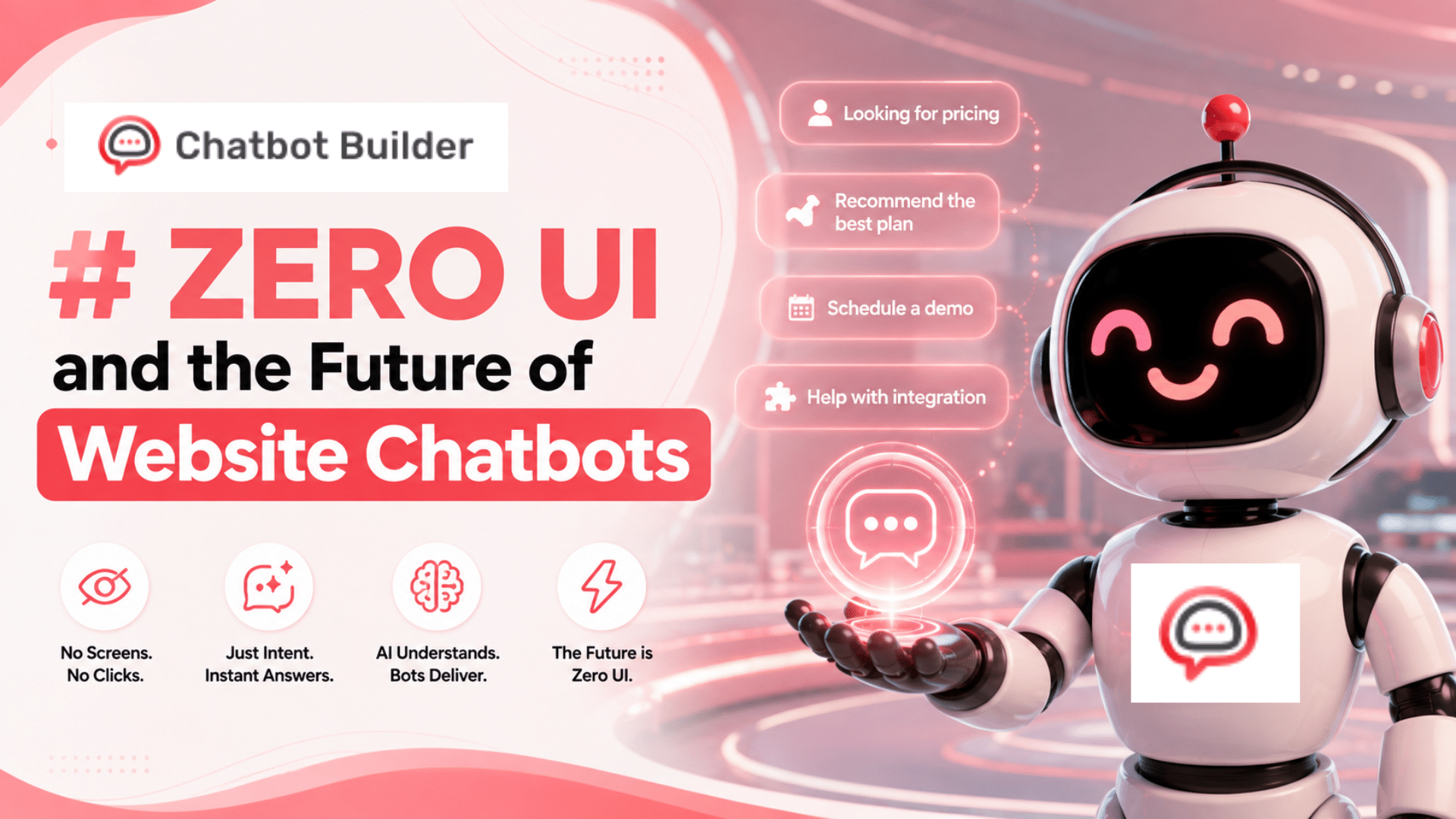
Zero UI and the Future of Website Chatbots
Introduction
For years, “good design” basically meant fewer clicks. A cleaner menu. One less page between someone and the thing they wanted. Zero UI kind of throws that whole approach out. It’s not asking how to build a better interface. It’s asking whether you need one at all, which is a weirder question than it sounds.
Chatbots are where you can already see this playing out, whether or not anyone’s calling it Zero UI. Nobody’s clicking through five pages on a chatbot that’s actually doing its job. They type something, or say it, and get an answer. No button hunting. No scrolling through a dropdown wondering which option is closest to what they meant. That’s Zero UI, already sitting on real websites, quietly changing what people expect a “chatbot” to even feel like.

So, what is Zero UI exactly? Why does it fit chatbots so well? Where’s it going? And what should a business actually do with any of this? Let’s get into it.
What Zero UI Actually Means
Zero UI is basically a design mindset built around shrinking, or cutting out entirely, the visible interface sitting between a person and whatever tech they’re using. Instead of tapping around a screen, you talk. Or type plainly. Or the system just picks up on context, where you are, what you did last time, what time of day it is, and responds accordingly.
You’ve probably already lived this without thinking about it. Ask a smart speaker what the weather’s like, and you’re not opening an app. You’re not tapping anything. You just ask, and it answers. That’s Zero UI at its most stripped-down. Barely an interface at all, really, just a question and a reply.
Chatbots do the same thing, just wearing a different outfit. A visitor doesn’t need to know your site’s layout, or dig through some help center hoping the right article exists. They ask, in whatever words happen to come to mind, and the bot sorts it out. The “interface,” such as it is, is really just the back and forth of talking, which is about as close to zero as you can get while still technically being a UI.
Why Zero UI and Chatbots Just Work Together
Honestly? Chatbots were doing this before anyone slapped a name on it. The entire point of a chatbot, from the start, was replacing “go find it yourself” with “just ask me.” That’s Zero UI. Same idea, different label.
A normal website puts the work on the visitor. Find the page, scan it, hope the answer’s actually buried in there somewhere. A Zero UI chatbot flips that around completely. You say what you’re after, the system does the digging, and it hands you the answer. That flip, from the visitor doing the legwork to the system doing it, is really the whole idea behind Zero UI. And it’s exactly what a decent chatbot’s been doing all along, long before the term existed.
It’s probably part of why chatbots caught on as fast as they did, too. Businesses weren’t chasing a trend for the sake of it. They were chasing what Zero UI actually gives you: less friction, faster answers, and a much lower bar for visitors who just want the thing they came for without first learning how your site’s organized.
Where This Is Headed
Not finished evolving, not even close. A few directions are already pretty obvious though.
- Voice creeping in more: Typing’s already low-effort, but talking’s lower still. More chatbots are letting people just say their question out loud instead of typing it. Matters a lot on mobile especially, where tapping out a full sentence on a tiny keyboard is nobody’s idea of fun.
- Bots that actually read the room: A real Zero UI setup doesn’t just sit there waiting for someone to type first. It notices things: what page you’re on, what you looked at last time, where you are in a signup flow, and starts something relevant before you’ve had to type a single word.
- Taking more than just text: Zero UI isn’t only about getting rid of buttons. It’s also about accepting whatever way someone naturally wants to communicate. Some bots now let you drop in a screenshot, a photo, an error message pasted straight off your screen, and just get a useful answer without spelling everything out first.
- Bots that speak up before you do: The next stretch here is customer support chatbots that stop waiting entirely. Someone hangs around a pricing page a little too long? The bot notices and jumps in with something useful before they’ve even thought to ask.
Every one of these moves further away from “interface” and closer to something that just feels like a conversation running quietly in the background. Which, again, was kind of the whole point from the start.
Why Some Businesses Are Still Dragging Their Feet
Not everyone’s rushing in, and honestly, a lot of the hesitation is fair. Handing part of your website’s job over to a conversation feels riskier than handing it to a fixed page. A page doesn’t misread the question. A page doesn’t confidently give someone the wrong answer.
There’s a control thing too. With regular navigation, you know exactly what a visitor can see and in what order they’ll see it. With a Zero UI chatbot, the visitor’s steering, which means the bot has to be trusted to handle whatever gets thrown at it, not just the neat, expected questions from a demo. That’s a bigger ask than it sounds like, and it’s usually the real reason businesses hold off. Not because Zero UI’s a bad idea, but because they haven’t seen a bot good enough yet to earn that kind of trust.
What This Actually Looks Like in Practice
Not hypothetical, this stuff’s already happening. A SaaS company might let someone type “how much is the pro plan for a team of 12” and just get the number back, instead of sending them off to a pricing page to do the math themselves. That’s a step Zero UI just… removes.
An online store might let a visitor type “is this in a size 8” while they’re looking at a product, and the bot checks stock in real time instead of pointing them somewhere else. Small thing. But it’s exactly the kind of friction Zero UI exists to strip out.
Even something as basic as a returning visitor getting greeted with “still deciding between starter and growth?” based on what they looked at last time- that’s context doing a job the navigation menu used to do.
None of this is flashy, and honestly that’s the point. Good Zero UI usually doesn’t look impressive. It just looks like the site already knew what you needed.
Is Your Chatbot Actually Ready for This?
Before pushing further into Zero UI, worth being honest about whether your current setup can handle it. Does it answer most of the time correctly, or does it guess and hope for the best? Can it deal with a question phrased differently than expected, not just the exact wording it was trained on? Does it know when to hand off to a person instead of looping the visitor in circles? And is it actually pulling from current information, pricing, stock, policy, rather than a script that goes stale the moment something changes upstream?
If most of those answers are no, that’s not a reason to skip Zero UI altogether. It just means there’s groundwork to lay first. A flashy voice feature stapled onto a shaky bot is worse than skipping voice entirely.
A Few Things People Get Wrong About Zero UI
Zero UI doesn’t mean zero design; that’s a big one. If anything, making a conversation feel effortless takes more design thought than laying out a menu ever did. It’s also not some enterprise-only thing reserved for companies with a dedicated AI team. A well-set-up chatbot on a small business site is Zero UI too. And it’s not about ripping out every button on principle, either. It’s about cutting friction where friction doesn’t need to exist, not stripping the whole site down for the sake of it.
What to Actually Think Through Before Committing
The bot has to be genuinely good.
A Zero UI chatbot giving vague or flat-out wrong answers is worse than not having one, because now it’s the main interface, and a shaky main interface loses people fast.
Not everything belongs in Zero UI.
Comparing pricing plans, filling out a detailed form, scrolling a full product catalog- some of that’s just easier with a visible layout than a back-and-forth conversation. Zero UI works best layered on top of a site, not swapped in for the whole thing.
Escalation can’t be an afterthought.
Even a great bot’s going to hit something it can’t handle. There needs to be an easy way to reach a real person without repeating everything already typed, or the whole thing turns into a dead end fast.
Voice and other inputs need real work put in.
Tempting to bolt on voice just so you can say it exists. A half-working version does more damage than not having it. If Zero UI’s the direction, the newer input types deserve the same care your text chatbot already gets.
Where ChatbotBuilder Comes In
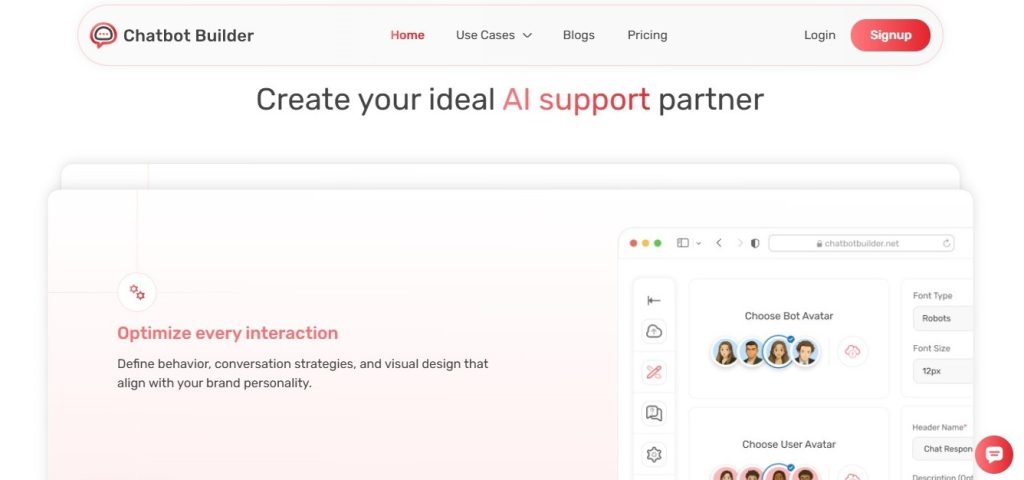
This is really the gap ChatbotBuilder is built to close. As Zero UI stops being a novelty and starts becoming what visitors expect by default, the businesses that end up ahead are the ones whose bots can actually keep pace, reading real context, handling natural phrasing instead of rigid, scripted paths, and knowing exactly when to bring in a human rather than stalling. If you’re figuring out how far to take Zero UI on your own site, it’s worth seeing what a bot built around genuine conversation, not a decision tree dressed up as a chat bubble, can actually pull off.
Visit: https://chatbotbuilder.net/
The Bottom Line
Zero UI isn’t some far-off concept anymore. It’s already happening every single time someone skips your navigation entirely and just asks your chatbot instead. The businesses paying attention here aren’t necessarily rebuilding their whole site around it. They’re just making sure the one piece doing most of the Zero UI heavy lifting, the chatbot, is actually solid enough to carry it.
And as this keeps moving- more voice, more context-awareness, more natural ways of asking- the gap between businesses with a genuinely good chatbot and ones with a bare-minimum one is only going to get harder to ignore. Getting ahead of it now beats scrambling to catch up once it’s just the default expectation everyone assumes you already meet.
Frequently Asked Questions
What does Zero UI mean?
Zero UI is a design approach that reduces or removes the visible interface between a person and technology, replacing it with natural interactions like conversation, voice, or context-based responses. Chatbots are one of the clearest real-world examples of Zero UI in action.
How does Zero UI relate to chatbots?
Chatbots apply Zero UI by replacing website navigation with direct conversation. Instead of clicking through pages to find an answer, a visitor asks a question and gets a response immediately, which is the core principle Zero UI is built around.
Is Zero UI the same as voice assistants?
Voice assistants are one example of Zero UI, but not the only one. Zero UI also includes text-based chatbots, context-aware systems, and any interaction that reduces the need for a traditional visible interface.
Will Zero UI replace traditional website design?
Not entirely. Zero UI works best as a layer alongside traditional web design, not a full replacement. Some tasks, like comparing products or filling out detailed forms, still work better with a visible interface than a conversation.
How can a business prepare for Zero UI?
Businesses should focus on building a genuinely reliable chatbot, since it becomes the primary interface under a Zero UI approach. This means accurate answers, smooth escalation to a human when needed, and investment in newer input types like voice as they become more common.