


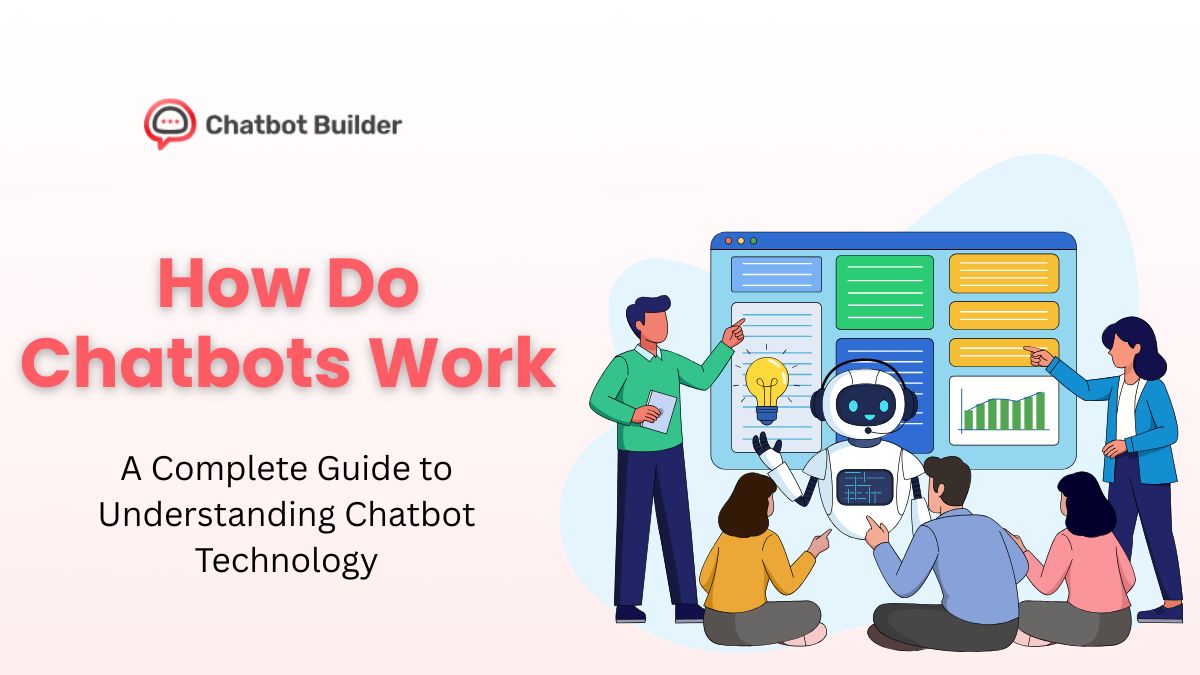
You’ve probably chatted with one today without even thinking about it. Maybe you asked a website a quick question, or checked your order status through a messaging app. That helpful assistant? Probably a chatbot.
But here’s what most people don’t know: the technology behind these digital helpers has changed drastically in the past few years. And if you’re running a business or just curious about tech, understanding how chatbots work isn’t just interesting, it’s becoming pretty damn useful.
Let me break down exactly what’s happening behind the scenes when you type “Where’s my order?” and get an instant response.
What Is a Chatbot, Really?
A chatbot is software designed to simulate conversation with human users. Think of it as a digital employee that never sleeps, never takes lunch breaks, and can handle hundreds of conversations at once.
But calling something a “chatbot” today is like saying you drive a “car.” There’s a massive difference between a 1995 Honda Civic and a 2026 Tesla. Same basic function, completely different under the hood.
The chatbots from five years ago? They followed scripts. You asked A, they gave response B. Simple, predictable, and honestly pretty limited.
Today’s chatbots, especially AI chatbots, can understand context, learn from conversations, and sometimes sound more helpful than actual customer service reps.
Types of Chatbots: Not All Bots Are Created Equal
Rule-Based Chatbots
These are the original bots. They work on “if/then” logic. If you say X, the bot responds with Y. They’re like those old “Choose Your Own Adventure” books, every path is pre-written.
Strengths: Predictable, easy to control, cheap to build
Weaknesses: Can’t handle anything outside their script, frustrating when you need actual help
AI Chatbots
Here’s where things get interesting. An AI chatbot uses machine learning and natural language processing (what nerds call NLP) to actually understand what you’re saying, not just match keywords.
Is ChatGPT a chatbot? Yes. It’s one of the most advanced AI chatbots out there, trained on massive amounts of text data to generate human-like responses.
Hybrid Chatbots
The smart money is on hybrid systems. They use AI for understanding but fall back on rules for specific tasks. Think of it as having both intuition and a playbook.
How Does a Chatbot Work? The Technical Breakdown
Let me walk you through what happens in the split second between your message and the bot’s response.
Step 1: You Send a Message
Seems obvious, right? But this is where the magic starts. Your message, “How do I reset my password?”, enters the system.
Step 2: Natural Language Processing (NLP)
This is where AI techniques used in chatbots really shine. The NLP engine breaks down your message:
- Tokenization: Splits your sentence into individual words
- Intent Recognition: Figures out what you actually want (in this case, password help)
- Entity Extraction: Identifies key information (password, reset, account)
An AI NLP chatbot can understand that “I forgot my login info” and “Can’t access my account” mean basically the same thing. Rule-based bots? They’d treat those as completely different requests.
Step 3: Processing and Decision Making
Here’s where chatbot responses get generated. The system looks at:
- What you asked
- Previous messages in your chatbot conversation
- Your user data (if applicable)
- Available response options
Is chatbot machine learning involved? For AI bots, absolutely. They’ve learned from thousands or millions of past conversations to predict the best response.
Step 4: Response Generation
The bot formulates an answer. For simple bots, this is pulling a pre-written response. For AI chatbots, this might mean generating a unique answer on the spot.
Step 5: You Get Your Answer
The whole process? Usually under a second.
How Do AI Chatbots Work Differently?
AI and chatbots have become pretty much inseparable in 2026. But what makes an AI bot special?
They learn. Every conversation makes them slightly better. Machine learning algorithms analyze which responses worked and which bombed.
They understand context. You can say “What about blue ones?” and an AI chatbot knows you’re still talking about the sneakers from three messages ago.
They handle complexity. Want to ask a complicated question with multiple parts? AI chatbots can break it down and address each piece.
AI Techniques Used in Chatbots
What actually powers these smart chatbot responses? Here are the core AI techniques at work:
Natural Language Processing (NLP)
This is the brain of modern AI NLP chatbot systems. NLP breaks down into several components:
- Tokenization: Splitting text into analyzable chunks
- Intent Recognition: Understanding what you want
- Entity Extraction: Identifying important details (dates, names, numbers)
- Sentiment Analysis: Detecting if you’re happy, frustrated, or neutral
Machine Learning
Is chatbot machine learning real? Absolutely. AI chatbots use machine learning in multiple ways:
- Supervised Learning: Training on labeled conversation examples
- Reinforcement Learning: Getting better through trial and error
- Deep Learning: Using neural networks to understand complex patterns
Each chatbot conversation feeds back into the system, making future interactions smarter.
Conversational AI
This combines NLP with context management. A chatbot conversation isn’t just individual messages, it’s a flowing exchange where the bot remembers what you discussed three messages ago.
The system maintains conversation state, tracks context shifts, and knows when to ask clarifying questions.
What Is an AI Bot Capable Of?
Modern AI chatbots can:
- Answer questions they’ve never been specifically programmed to handle
- Detect emotion and adjust their tone accordingly
- Switch between topics naturally
- Admit when they don’t know something
- Hand off to humans when needed
They’re not perfect. They can misunderstand context, give outdated information, or confidently say something completely wrong. But they’re getting better fast.
Why Businesses Are Using Chatbots
What is an AI chatbot bringing to the table for companies? Turns out, quite a bit.
24/7 Availability
Your chatbot doesn’t sleep, take breaks, or call in sick. Customers get instant help at 3 AM just as easily as 3 PM.
Handling Volume
A single chatbot can manage thousands of simultaneous chatbot conversations. Try doing that with human agents.
Cost Savings
Once built, chatbots cost a fraction of maintaining a full customer service team. The ROI usually hits within months.
Data Collection
Every chatbot conversation generates data. What questions do customers ask most? Where do they get stuck? What products are they interested in? This intelligence is gold for improving your business.
Consistency
Human agents have good days and bad days. Chatbots give the same quality response every single time.
The data backs this up, companies using AI chatbots report 30-50% reductions in customer service costs while actually improving customer satisfaction scores.
How to Use a Chatbot Effectively
Whether you’re deploying one or just chatting with one, here are some tips:
- Be specific. “I need help” is vague. “I was charged twice for order #12345” gives the bot something to work with.
- Stay on topic. Bots handle one thing at a time better than five things at once.
- Use normal language. You don’t need to talk like a robot. Good chatbots understand casual speech.
- Know when to ask for a human. If the bot’s not helping after 2-3 exchanges, just ask for a real person.
How to Build an AI Chatbot with ChatbotBuilder.net
Ready to create your own AI chatbot? Let me walk you through building one using ChatbotBuilder.net, no coding required.
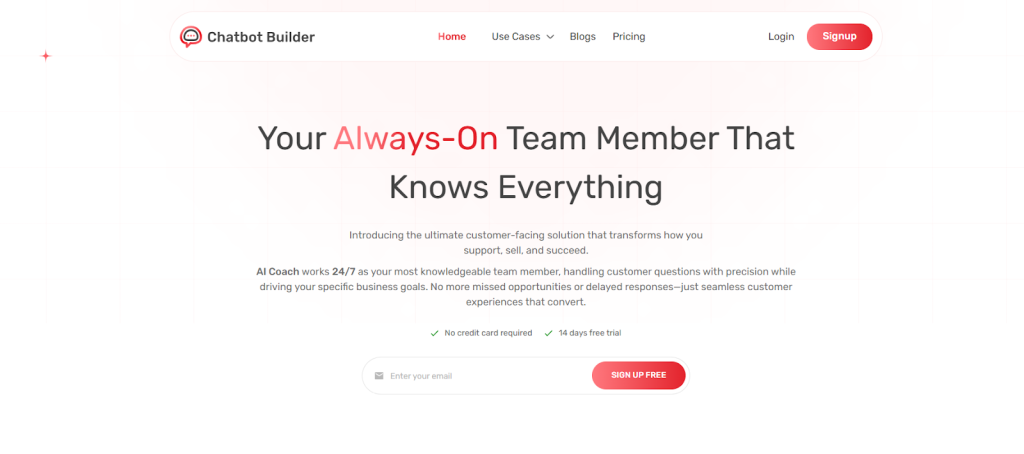
Step 1: Sign Up and Choose Your Bot Type
Head to ChatbotBuilder and create your account. You’ll see options for different chatbot types:
- Customer support bots
- Lead generation bots
- E-commerce assistants
- FAQ bots
- Appointment schedulers
Pick the one that matches your needs. Don’t worry, you can customize everything later.
Step 2: Define Your Chatbot’s Purpose
Before touching any settings, answer these questions:
- What problems will it solve? Be specific. “Answer product questions” is better than “help customers.”
- Who’s your audience? Tech-savvy millennials need different chatbot responses than retirees.
- What actions should it perform? Just answer questions? Book appointments? Process orders?
Write this down. Seriously. It’ll guide every decision you make.
Step 3: Build Your Conversation Flow
This is where ChatbotBuilder.net shines. You’ll use a visual flow builder, think of it like creating a flowchart.
- Start with greetings: How should your bot introduce itself?
- Map common paths: What do most users ask about?
- Add decision points: Based on user responses, where should the conversation go?
- Create fallbacks: What happens when the bot doesn’t understand?
The platform’s drag-and-drop interface makes this intuitive. You’re literally drawing out conversations.
Step 4: Train Your AI
Here’s where you turn a basic chatbot into an AI chatbot:
- Upload your FAQs: The AI learns from your existing support content.
- Add training phrases: Show the different ways people ask the same question.
- Set intent examples: “Where’s my order?” and “Track my package” = same intent.
- Configure entities: Teach it to recognize order numbers, dates, product names.
ChatbotBuilder.net uses AI NLP chatbot technology to understand variations in how people phrase questions. The more training data you provide, the smarter it gets.
Step 5: Integrate Your Tools
Connect your chatbot to your existing systems:
- CRM (Salesforce, HubSpot) – sync customer data
- Email (Gmail, Outlook) – send confirmations
- Calendar (Google Calendar) – book appointments
- Payment (Stripe, PayPal) – process transactions
- Analytics (Google Analytics) – track performance
ChatbotBuilder.net has pre-built integrations for most major platforms. Click, authorize, done.
Step 6: Design the Look and Feel
Make your bot match your brand:
- Upload your logo
- Set brand colors
- Customize the chat widget
- Write a personality-driven greeting
- Choose avatar/icon
People trust bots that look professional and fit naturally into your website.
Step 7: Test Everything
Do NOT skip this. Test your chatbot like you’re trying to break it:
- Ask weird questions
- Make typos
- Switch topics mid-conversation
- Try to confuse it
- Test on mobile and desktop
Use ChatbotBuilder.net’s testing environment to catch issues before real customers see them.
Step 8: Launch Strategically
Don’t just flip the switch and walk away:
- Soft launch: Start with a small segment of traffic
- Monitor closely: Watch those first chatbot conversations in real-time
- Gather feedback: Ask users if the bot was helpful
- Iterate quickly: Fix obvious problems immediately
Step 9: Optimize Based on Data
After a week or two, dive into the analytics:
- Which questions get asked most?
- Where do conversations break down?
- What’s the handoff-to-human rate?
- Are people getting their problems solved?
Use this data to improve your chatbot responses and add new conversation paths.
Step 10: Keep Training Your AI
Here’s the secret: your AI chatbot gets smarter over time, but only if you feed it.
- Review transcripts weekly: Look for misunderstandings
- Add new training data: New products? New policies? Teach your bot
- Update responses: Keep information current
- Expand capabilities: Add features as you spot opportunities
The businesses seeing the best results treat their chatbot like an employee, investing in its training and development.
Pro Tips for ChatbotBuilder.net Success
- Start simple. Build a bot that does one thing really well before adding complexity.
- Write like a human. Your chatbot responses should sound natural, not corporate.
- Be transparent. Let users know they’re talking to a bot. People appreciate honesty.
- Always offer an exit. Make it easy to reach a human if needed.
- Test with real users. Your team knows too much, get feedback from actual customers.
What Makes ChatbotBuilder.net Different?
The platform combines power with simplicity. You get AI and chatbots working together without needing a data science degree.
The visual builder means you can see your conversation flows. The AI training happens in plain English. The integrations work out of the box.
Plus, the platform handles the heavy lifting, NLP, machine learning, server management, while you focus on creating great customer experiences.
The Real-World Impact
Chatbots now handle about 70% of customer service conversations from start to finish. They’re booking appointments, processing returns, answering technical questions, and even providing mental health support.
Are they replacing humans? Not exactly. They’re handling the repetitive stuff so humans can focus on complex problems that actually need human judgment.
What’s Next for Chatbot Technology?
Voice-based chatbots are getting scary good. Video chat bots are coming. Bots that can take actions (not just provide information) are already here.
The line between “talking to a bot” and “talking to a person” is getting blurrier every month.
Ready to Build Your Own AI Chatbot?
Stop wondering how chatbots work and start building one yourself. ChatbotBuilder.net makes it dead simple to create an AI chatbot that actually helps your customers, no coding required.
You get access to the same AI NLP chatbot technology that powers the big brands, but with a visual builder that anyone can use. Set up chatbot conversations, train your AI, connect your tools, and go live in hours, not weeks.
Start your 14-day free trial and see how quickly you can build a chatbot that handles customer questions, books appointments, or generates leads while you sleep.
Your customers are already expecting instant responses. Give them what they want.
Frequently Asked Questions
A chatbot is software that talks with users through text or voice to answer questions and complete tasks.
Yes, ChatGPT is an advanced AI chatbot that uses machine learning to generate conversational responses.
AI chatbots use machine learning to analyze conversation patterns and improve responses over time.
Yes, chatbotbuilder.net offer visual interfaces that don’t require programming knowledge.
Regular chatbots follow scripts, while AI chatbots understand context and generate responses using machine learning.
Yes, modern chatbots use NLP to understand and interpret human language accurately.
Basic chatbots can be built in hours, while advanced AI chatbots may take weeks to develop and train.
Chatbots handle routine tasks while humans focus on complex issues requiring empathy and judgment.
An AI NLP chatbot combines artificial intelligence with natural language processing to understand and respond conversationally.
Many AI chatbots support multiple languages and can switch between them during conversations.