


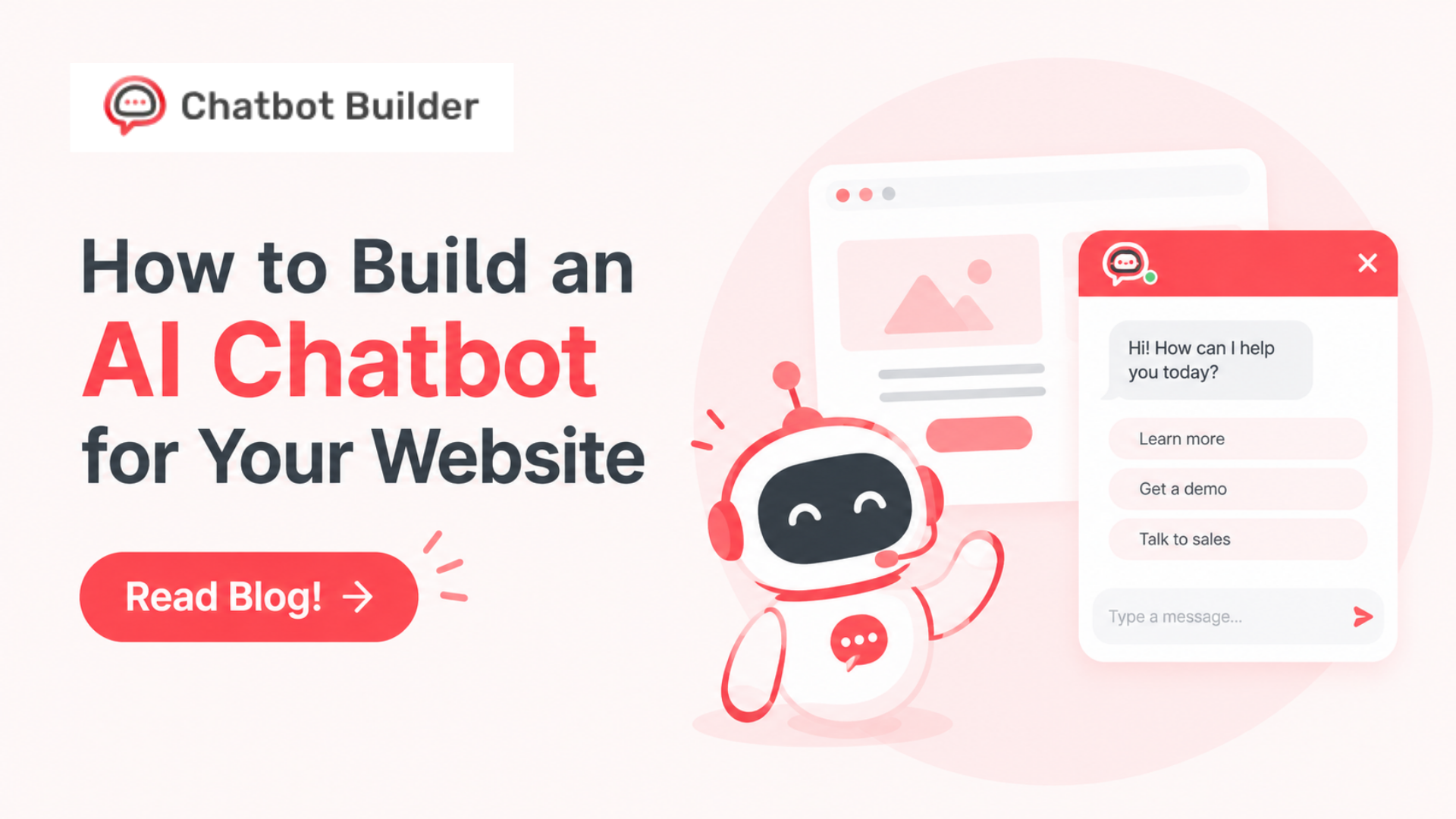
How to Build an AI Chatbot for Your Website
Last spring, a friend of mine, who sells standing desks out of a garage in Ohio, forwarded me an email thread with the subject line “ugh.” A shopper had written at 1:12 a.m. asking if the frame could hold a 40-pound monitor arm plus two screens. My friend saw it at 8:50. By then the shopper had ordered from someone else. Lost order: $740.
The answer was on his site. Page four of a PDF spec sheet, third table down. Nobody was ever going to find that at 1 a.m., least of all a sleepy person with a credit card out.
I keep telling that story since it’s so ordinary. No outage. No angry review. Nothing to fix. Just a quiet leak, repeating every night, on thousands of small sites.
A chatbot plugs it. Not a magic one. A plain bot that reads your own pages and answers questions in normal English. You can get one running in about the time it takes to eat lunch, and this guide shows you how to build an AI chatbot for your website without code, without a developer, and without a budget that makes you flinch.
What a Modern Chatbot Actually Does
Forget the 2016 version. You remember it. Click Billing, click Refunds, read a canned paragraph, close the tab in disgust.
Today’s bots read. You feed one your pages, PDFs, and help docs. A visitor types something messy, like “will this wobble if I’m 6’4”?” and the bot searches what you gave it, then writes a reply. Plain words in, plain words out. Nobody scripts the branches.
On a business site, a decent bot handles four jobs. It answers questions about prices, shipping, features, and policies. It collects an email at a sensible moment, not with a form slapped on the front door, and it points people to the right page. And it taps you on the shoulder when a human should take over, sending along the full chat so the visitor never has to repeat themselves.
That fourth job separates the good ones from the maddening ones.
Why Bother?
Quick math, since math is what convinced me.
Say 40 questions land in your inbox each week, and each one takes three minutes. That’s two hours. Multiply by 52, and you’ve spent 104 hours typing answers that already exist somewhere on your site. A bot eats most of that pile. Not all of it, and you wouldn’t want it to. But a half day back every week adds up fast.
Then there’s the part I care about more. Someone holding a credit card and a question has the patience of a toddler near a cookie jar. Answer in ten seconds and they buy. Answer tomorrow, and you’re a stranger.
Two bonuses nobody mentions.
Chat logs are free research. Read 50 of them, and you’ll know which page confuses people, which product they keep asking for, and which objection you never addressed. It’s a customer interview you didn’t have to schedule, delivered daily, for nothing.
And cost. A part-time support hire runs hundreds of dollars a month at the low end. A chatbot plan costs a slice of that.
Still on the fence? Fine. Try to build an AI chatbot this week. If it flops, switch it off with one click, and you’re out an afternoon.
Four Questions Before You Touch Any Software
I’ve seen smart people skip this part and rebuild a month later. Grab a pen. Five minutes.
What is the one job this bot owns?
“Answer pre-sale questions” is a job. “Help with everything” is a wish.
Who’s typing?
Not “customers.” One real person. Write down the three questions that person asks most.
What will it read?
Your bot knows only what you hand over. If your return policy sits in a PDF from 2019 and your checkout page says something different, fix that today. Go. I’ll wait.
When does a human step in?
Angry customers. Billing fights. Legal stuff. Anything about health or safety. Write the triggers on paper, since you’ll need them in Step 5.
Do these four and everything after goes about twice as fast.
How to Build an AI Chatbot, Step by Step
Step 1: Write the Job in One Sentence
Squeeze your answer to the first question into a sentence you could tape to your monitor. Mine reads: “This bot answers pricing and plan questions for new visitors and asks for an email when they want a demo.”
That sentence is a bouncer. Every idea has to get past it. Want to add appointment booking, a joke mode, and a recipe finder? The bouncer says no. You can bring them in around month three.
Step 2: Collect What the Bot Will Read
Start with the obvious pages: pricing, FAQ, about, shipping, returns. Add help docs, product sheets, and onboarding emails.
Then do the thing almost nobody does. Open your sent folder and search “great question.” Those emails hold your best answers, in your own voice, to things real people ask. Paste them into one document. I call mine Real Answers. Do the same with social DMs and old support tickets. People phrase things in odd ways, and the bot should meet those phrasings before a visitor throws one at it.
Clean up as you go. Delete dead pages. Fix prices that disagree. When two documents contradict each other, the bot picks one more or less at random, and a customer screenshots the wrong one and emails it to you with a smug subject line.
Step 3: Pick Your Platform
Three roads.
Road one: code it yourself. You connect a language model to your content through an API, design the chat window, and handle storage, security, and updates. Lovely if you’re an engineer with spare weekends. For everyone else, a swamp.
Road two: use whatever your website builder bundles in. Quick, but you’re usually stuck with one tool, and little say over how answers sound.
Road three: a no-code platform. Upload content, set rules, paste one snippet on your site. Most small teams land here, and it’s the quickest way to build an AI chatbot without hiring anyone.
Before you commit, ask six things. Does it learn from a URL and uploaded files? Can you set the tone and ban topics? Does it capture leads? Can you read every chat? Is there a human handoff? Is there a free trial? If that last answer is no, close the tab. You shouldn’t pay money to find out whether a bot understands your business.
Chatbot Builder sits on road three. Full section below.
Step 4: Train It
Point the platform at your URL, upload your files, and let it read.
People call this training, which makes you picture a puppy and a bag of treats. Wrong picture. The model already writes fine sentences. You’re handing it a library and a job description.
When the first pass ends, ask five questions you already know the answers to. Three come back right and two come back mushy? Normal. Mushy means thin source material. Write a short page that answers the question bluntly, add it, ask again.
My favorite hack is a facts sheet. Hours, prices, shipping zones, contact info, all in boring sentences. “We ship to the US and Canada. Orders leave in two business days.” Bots love boring. Clever copywriting confuses them.
Step 5: Give It a Personality and Rules
Think of the bot as a new front desk hire and brief it like one.
Pick three adjectives for tone. “Warm, direct, slightly sarcastic” and “formal, precise, reserved” produce two very different employees.
Write the forbidden list. No guessing at prices, no promising refunds. No medical, legal, or money advice. When stumped, it says so and offers a person.
Write the fallback line with care. “Not sure about that one. Want me to pass it to the team?” beats a confident wrong answer every single time. A made-up answer costs you a customer. An honest shrug costs you nothing.
Then load the handoff triggers from your four questions. Angry words, billing disputes, and “let me talk to a human” should all land in your inbox.
Step 6: Dress It and Place It
Visitors judge a chat bubble in about one second.
Use your brand colors and logo. Skip the lazy “Hi, how can I help?” and offer a menu instead. Here are three greetings I’d steal:
- “Hi! I’m an AI helper. Looking for pricing, a demo, or help with an order?”
- “Questions about shipping or returns? Ask me; I read the whole policy so you don’t have to.”
- “Not sure which plan fits? Tell me your team size, and I’ll point you.”
Put three buttons under whichever you pick. Most people don’t know what to ask, and buttons give them a start.
Installing takes two minutes. You paste a short script into your site, or use a plugin on WordPress, Shopify, or Webflow. Bottom right corner, where people look.
Show it on pricing, product, and contact pages first. That’s where people hesitate. Delay the greeting 10 to 15 seconds, since a bot that pounces the instant someone arrives feels like a salesman at a car lot. And check it on your phone before anything else. Half your visitors are holding one.
Step 7: Test Hard, Launch, Tune Weekly
Be the worst customer you can imagine. Fire 30 questions. Easy ones. Vague ones (“do you do custom stuff?”). Sneaky ones (“can I get 90 percent off?”). Hostile ones (“this is a scam”). Random ones (“what’s the weather?”).
Every miss gets fixed by adding or rewording content. Then test again.
Launch on one page if you can. Put a recurring 20-minute block on your calendar to read transcripts. Hunt for fumbled questions and moments where visitors begged for a human. Keep that up for a month, and the bot starts sounding like you, not like a stranger in a borrowed suit.
What a Good Chat Looks Like
Here’s a store example, so you can picture the target.
Visitor: Do you ship to Canada?
Bot: Yep. Orders leave our warehouse in two business days, then 5 to 8 days in transit. Want me to check the cost for a specific item?
Visitor: What if it doesn’t fit?
Bot: Unworn items can be returned within 30 days. Want the returns page, or should I pull in a teammate?
Visitor: My last order took forever, and I’m furious.
Bot: I’m sorry, that’s rotten. Let me bring in a teammate who can look at it. What’s the best email to reach you?
Short replies. A next step every time. A graceful exit to a human the moment feelings show up. Copy that rhythm.
Lead Capture Without Being Annoying
Most bots ask for an email too early. It’s like proposing on a first date.
Better order: answer first, ask second. When a visitor asks about pricing and gets a clear reply, that’s your moment. “Want me to email you the full price sheet?” feels like a favor. “Enter your email to continue” feels like a toll booth.
Keep the ask small. Name and email, nothing more. Every extra field cuts the number of people who finish. If you need a phone number or company size, collect it later, after they’ve said yes to something.
And say what happens next. “I’ll send it in the next few minutes” beats a silent form every time. People relax when they know the deal.
Meet Chatbot Builder (CBB)
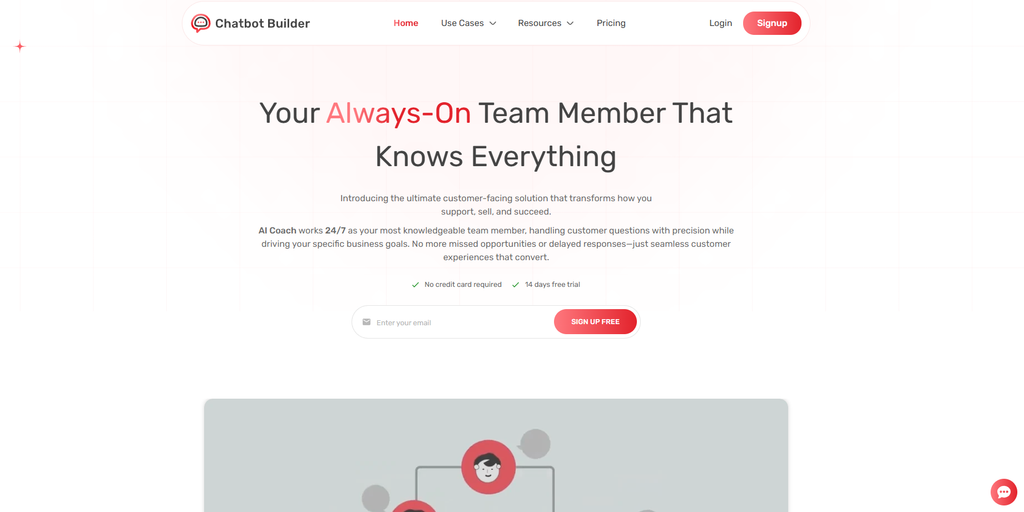
Everything above works on any platform. But if you want the shortest path from “I should do this” to “it’s live,” Chatbot Builder is worth a look.
It’s a no-code tool that creates AI chatbots trained on your own material. It was made for owners, marketers, agencies, and small teams who’d rather not file a ticket with a developer.
Here’s what you do inside it. Add your website URL, upload files, or paste text, and the bot reads the lot. Set tone, boundaries, and that fallback line from Step 5. Ask for names and emails mid-conversation so interested people don’t drift off. Copy an embed snippet, paste it on your site, and the bubble shows up. Read real chat logs to spot what your content misses. Jump into a chat yourself when a human is needed. Check chatbotbuilder.net for today’s feature list before you decide.
A First Build on CBB, Lunch Break Edition
Minutes 0 to 5: Start the free trial, create a bot, name it, paste in your one-sentence job.
Minutes 5 to 10: Add your URL and your best documents. Pricing, FAQ, policies. Let CBB read.
Minutes 10 to 15: Set tone, boundaries, and fallback. Run your five test questions and patch the gaps.
Minutes 15 to 20: Match the widget to your brand, write the greeting, copy the embed code, paste it on your site. Open the page on your phone. Say hello.
That’s how you build an AI chatbot in a lunch break. Not a perfect one. A live one. A live bot you tweak every week beats a perfect bot sitting on your to-do list until 2027.
Who Gets the Most Out of CBB
Online stores buried in shipping and returns questions. Software companies that want visitors to understand pricing without booking a call. Dentists, contractors, salons, and law offices that lose leads after hours. Agencies that set up bots for clients and want their own inbox quiet.
The 14-day free trial is the best part. Use your own content, your own questions, your own site. By day seven, you’ll know. No pressure, no sales call.
Is It Working? Five Numbers
Skip the fancy dashboards. Check these once a week.
Conversations started. If nobody’s chatting, change the greeting or the spot on the page.
Questions answered without a human. This is the bot’s real workload, and it should climb as you add content.
Leads captured. Count emails and demo requests.
Handoff rate. If half your chats end in “get me a person,” your source material has holes.
Top unanswered questions. That’s next week’s to-do list.
Pick one number to improve. One. Small fixes pile up.
Your First 30 Days
Week one: Launch on a page or two. Read every transcript. Every one. It takes minutes and teaches more than this article does.
Week two: Fix the top five fumbles. Rewrite the greeting if nobody clicks it.
Week three: Spread to more pages. Add the email ask after a pricing answer, as covered above.
Week four: Look at the five numbers, pick one, and decide if the bot has earned a place on every page.
Five Ways Good Bots Die
I’ve watched plenty launch with fireworks and fade in a month. Almost always it’s one of these.
Thin content. Three pages to read, and the bot sounds lost.
No human exit. A bot that loops forever makes people want to throw their laptop.
Playing human. Say “I’m an AI” in the greeting. People forgive honesty. They don’t forgive being tricked.
Stale info. Prices change, products change, and an outdated bot lies with total confidence. Check content monthly.
Too many jobs. A bot that sells, supports, books, and jokes does all four badly. Pick one. Nail it. Add the next.
Dodge those, and you’re ahead of most people who build an AI chatbot and then wonder why nobody talks to it.
A Quick Word on Privacy
People type personal things into chat boxes. Tell them what happens next. Put a line under the input: “This chat is handled by an AI and may be reviewed by our team,” and link your privacy policy. Don’t collect payment details or health info in chat. If your business handles regulated data, talk to a lawyer first. I’m not one, and this isn’t legal advice.
Your Next Visitor Deserves an Answer
The whole plan on one screen. One job for the bot. Your best content. A no-code platform. Train it, give it rules, put it where hesitation lives, test it like a jerk, then read transcripts for 20 minutes a week.
No developer, no giant budget, and no six-month project.
When you’re ready to build an AI chatbot that sounds like your business, Chatbot Builder makes version one easy. Sign up for the 14-day free trial, load in your site and documents, and get a live bot on your pages this week. You’ll see quickly how many questions it handles and how many leads it catches overnight.
Somebody with a question lands on your site tonight. Make sure something answers.
Frequently Asked Questions
How much does it cost to build an AI chatbot for a website?
Depends on the road. Coding it yourself costs developer time, which adds up fast. No-code platforms like Chatbot Builder usually charge a monthly fee tied to usage and features, often far below the cost of support staff. CBB has a 14-day free trial, so you can test a working bot on your own site before paying anything.
Do I need to know how to code?
Nope. On a no-code platform, you add content, set rules, and paste one snippet on your site. If you can paste text into a page editor, you’re qualified. WordPress, Shopify, and Wix all accept the snippet or offer a plugin.
Will my chatbot give wrong answers?
Sometimes, yes. Every AI slips. Cut the risk three ways: feed it accurate, current content, tell it what it must never answer, and read chats weekly. When it doesn’t know, it should say so and offer a human. That habit prevents most embarrassing moments.
Can I use a chatbot on WordPress, Shopify, Wix, or Webflow?
Usually. Most platforms hand you an embed snippet that works on any site accepting custom code, plus plugins for popular builders. Check chatbotbuilder.net for current setup guides for your platform.
How long does it take to build an AI chatbot?
A basic version takes 20 minutes to an hour on a no-code platform, mostly spent gathering content and writing rules. A polished version takes a few weeks of light weekly tuning. Launch small, then let real visitor questions tell you what to fix.